
Security · iOS
TunnelBear: Secure VPN & Wifi
by TunnelBear, LLC
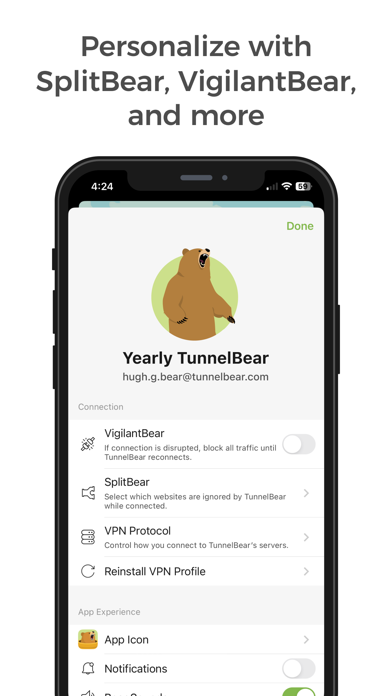
Released in late 2012 and still actively updated through mid-2026, TunnelBear has built a rare combination of longevity and accessibility in a crowded VPN market. The free tier spans 48-plus countries and serves as a genuine trial, while a paid subscription unlocks unrestricted data. With 85,000 ratings averaging 4.67 stars, the experience clearly resonates across a wide audience, from occasional cafe browsers to privacy-conscious daily commuters.
Simple interface masks IP reliably
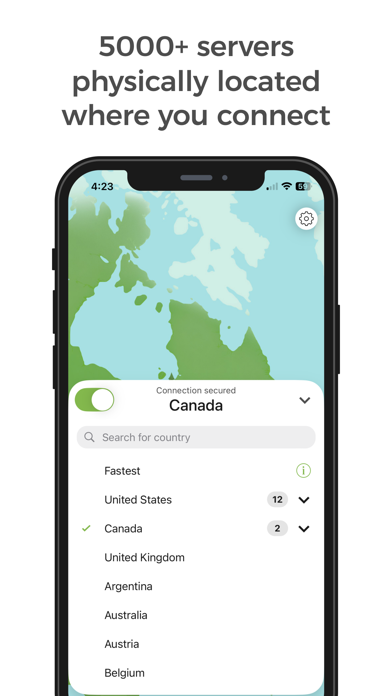
TunnelBear routes your iOS traffic through encrypted tunnels to servers across more than 48 countries, masking your IP address and shielding activity on untrusted networks. What separates it from technically denser competitors is the deliberate simplicity of the connection flow: pick a country, tap connect, done. There are no protocol menus or kill-switch configuration screens demanding attention on first launch. For users who have bounced off apps like ProtonVPN or Mullvad because of their technical depth, that restraint is a genuine differentiator. The core promise, quick protection on public Wi-Fi, is delivered reliably, which is exactly what the 85,000-strong rating base reflects.
Consistent ratings reflect stable performance
Qualitative signals suggest solid everyday performance. A 4.67 average across 85,000 ratings is difficult to sustain without consistent reliability, and version 4.15.0 shipped as recently as June 2026, meaning bugs and compatibility issues are being addressed on an ongoing basis. The 134 MB install size is on the heavier side for a single-purpose utility, which may indicate a richer feature set under the hood or bundled assets, but it is not unusual for full-featured VPN clients. Connection speeds on VPNs vary by server load and geography, so we avoid inventing figures here; user reviews at this rating volume, however, rarely stay high when reconnection failures or drops are common.
Free tier limited; paid plans competitive
The free tier is best understood as a structured trial rather than a sustainable daily driver. Data caps will frustrate anyone who streams video, joins video calls, or downloads files with any regularity. For light, occasional use such as checking email or banking on a hotel network, free may be sufficient. Paid plans unlock unlimited data across the same server network, and given TunnelBear's track record of over a decade of active development, the subscription represents a reasonably stable long-term investment. Users should compare per-month costs against competitors before committing, since the VPN market is competitive on pricing.
Annual audits verify privacy practices
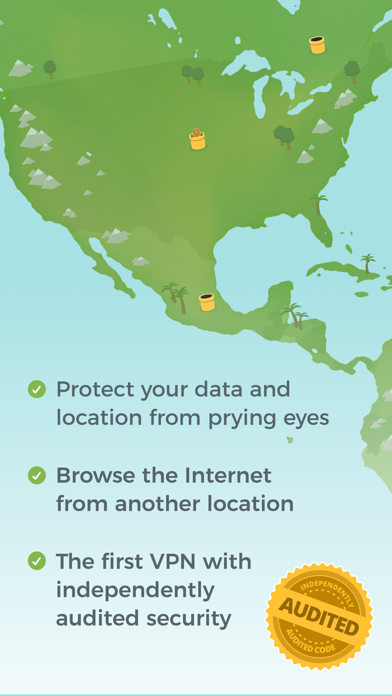
TunnelBear has published an annual independent security audit since 2017, which is a meaningful and verifiable transparency commitment that few VPN providers match. The specific data collected, including any usage or diagnostic logging, is disclosed in the App Store privacy label, which is the authoritative source to consult before installing. As with any VPN, the app requires a VPN configuration profile on iOS, which is a standard system permission for this category. Users should review what identifiers and usage data TunnelBear reports collecting directly in the App Store listing rather than relying on any third-party summary.
Animated design prioritizes accessibility
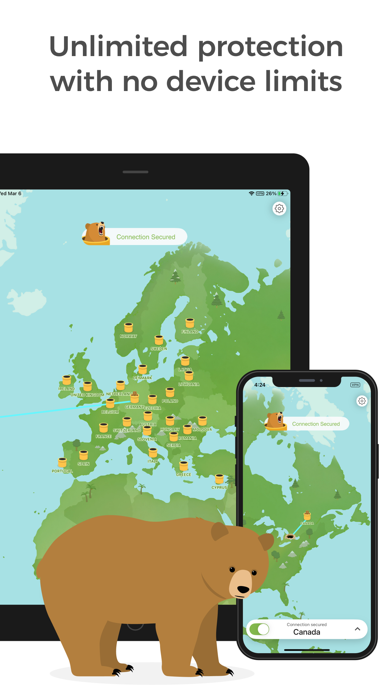
The interface is one of TunnelBear's most distinctive qualities: a world map with an animated bear burrowing between countries gives the app a personality that most security utilities deliberately avoid. Navigation is minimal by design, with the country selector and connect toggle occupying most of the screen. That visual simplicity tends to translate well for users who find dense settings menus intimidating. Standard iOS accessibility features such as Dynamic Type and VoiceOver compatibility are supported at the system level, though users with specific assistive technology needs should test the interactive map elements, as custom animations can occasionally present challenges for screen readers.
Active development spans over 13 years
Version 4.15.0 arrived in June 2026, confirming that TunnelBear is under active development more than 13 years after its original App Store debut. That longevity is meaningful for a privacy tool, where abandoned apps can become security liabilities rather than assets. McAfee acquired TunnelBear in 2018, bringing additional resources to the team while the product has retained its independent brand identity and annual audit program. Regular updates also mean compatibility with current iOS releases is maintained, reducing the risk of VPN profile failures after major Apple software updates.
Pros
- One-tap connection flow is genuinely accessible for non-technical users across 48-plus countries
- Annual independent security audits since 2017 set a transparency standard rare in the VPN category
- Over 13 years of active development with a confirmed 2026 update signals strong long-term commitment
- 85,000 ratings averaging 4.67 stars reflect sustained real-world reliability across a broad user base
Cons
- Free tier data cap makes the plan impractical for any regular streaming or file-heavy use
- 134 MB install size is notably large for a utility app with no media content
- Advanced users seeking protocol-level controls or granular kill-switch configuration will find the feature set too limited
Related guides
Similar Security apps


apptidal is independent and ad-supported. We earn no commission on installs and no company can pay for a better score. How we stay independent.