
Entertainment · iOS
TV Cast for Chromecast ‣
by Kraus und Karnath GbR 2Kit Consulting
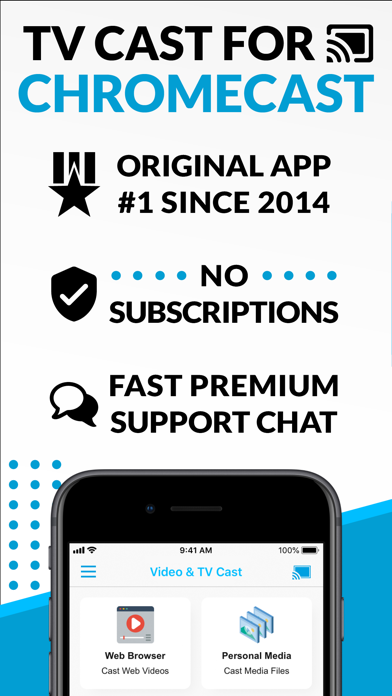

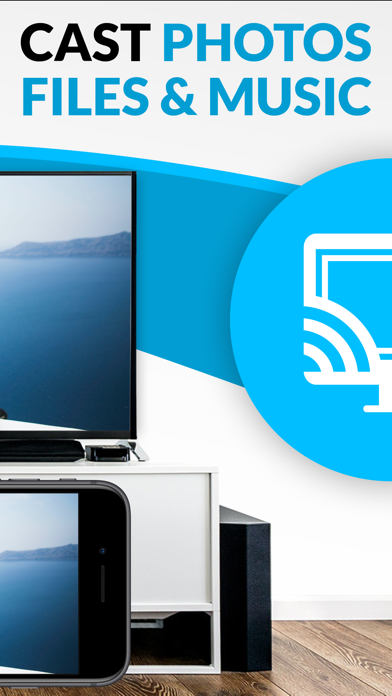
TV Cast for Chromecast embeds a purpose-built browser that detects streamable video links as you browse, then routes them to any Chromecast or Google Cast device. It also handles personal photos, videos, and music stored on your phone. The concept fills a genuine gap that Google's own Home app ignores. After more than a decade on the App Store and a confirmed 2026 update, the app is mature, though its free-tier limits and DRM restrictions demand a realistic preview before purchase.
Browser casting works well for open web video
The central mechanic is a built-in browser that monitors page traffic for streamable video URLs. When a compatible link surfaces, a cast button appears below the browser window, letting you push the stream to a nearby Google Cast device in a few taps. For straightforward, open-web video pages the workflow is genuinely low-friction. Beyond web casting, the app streams locally stored photos, videos, and music directly to a Chromecast, which is a practical bonus for anyone who keeps media on-device rather than in the cloud. The caveat is significant: DRM-protected services including Netflix, Amazon Prime, Disney Plus, and Hulu are completely unsupported. The developer is upfront about this, but it still eliminates the primary viewing habits of most households.
Reliable performance despite parsing limitations
A 32 MB install footprint is lean by modern standards, and the app loads quickly without demanding much device storage. A 4.0 store rating drawn from roughly 39,000 reviews is a meaningful signal that the majority of users achieve a working result. That said, a large review pool at that rating level also implies a notable minority encountering frustration, likely from video pages that use non-standard players or adaptive streams the detection engine cannot parse. The built-in browser is functional but not a replacement for Safari or Chrome, so navigation to complex sites can feel limited. Overall, performance appears reliable for the use cases the app explicitly targets.
Free tier sufficient for casual users
The app is free to download, and the developer allows testing before any purchase commitment, which is a fair and transparent policy. In-app purchases unlock additional features, and the specifics of what sits behind that paywall matter considerably when evaluating value. If the free tier covers basic web casting and local media streaming, casual users may never need to spend anything. Power users who want broader format support or advanced controls should budget for at least one purchase tier. For the narrow audience this app genuinely serves, the cost-to-utility ratio is reasonable. For households anchored to Netflix or Prime, no price point makes the DRM limitation acceptable.
Review privacy label before granting permissions
The app carries a 17-plus content rating, which reflects the open-web browsing capability rather than any content the app itself produces. Because the built-in browser can navigate arbitrary websites, users should be aware that browsing activity may be logged by the app. To understand exactly what data is collected, shared, or used for tracking, the App Store privacy nutrition label for this app is the authoritative reference. We recommend reviewing that label before granting any permissions, paying particular attention to network access, photo library access required for local media streaming, and any analytics or advertising identifiers given the app is ad-supported.
Utilitarian interface with standard accessibility support
The interface follows a straightforward two-panel logic: browser on top, cast controls below. That layout keeps the core workflow visible without requiring users to dig through menus. Visual design is utilitarian rather than polished, which suits the functional nature of the app. Standard iOS dynamic type and system contrast settings should apply to text elements throughout the app, though the built-in browser renders external web content that falls outside the developer's control. Users who rely on VoiceOver or other assistive technologies should test the free version specifically, as cast-trigger buttons and media picker controls are the areas most likely to vary in accessibility implementation.
Active development since 2014
Released in August 2014, TV Cast for Chromecast has now been on the App Store for over a decade, and version 3.13 arrived in May 2026, confirming the developer is still actively shipping updates. Longevity combined with recent maintenance is a reassuring combination, particularly for a utility that depends on keeping pace with changes to both iOS and the Google Cast protocol. The 39,000-plus review count also indicates a sustained user base rather than an abandoned project. Continued compatibility with future iOS releases and evolving Cast device firmware will be the key maintenance challenge going forward.
Pros
- Built-in browser with automatic video link detection creates a genuinely low-friction casting workflow
- Supports personal photos, videos, and music directly from device storage without a cloud intermediary
- Lightweight 32 MB install with over a decade of App Store history behind it
- Free tier allows real compatibility testing before any purchase is required
Cons
- DRM-protected services including Netflix, Amazon Prime, and Hulu are explicitly and completely unsupported
- Functionality is locked to Chromecast and Google Cast hardware, excluding Roku, Apple TV, and other ecosystems
- Key features appear gated behind in-app purchases, and the free tier's ceiling is not clearly communicated upfront
Related guides
Similar Entertainment apps


apptidal is independent and ad-supported. We earn no commission on installs and no company can pay for a better score. How we stay independent.