
Utilities · iOS
Weather ..
by UniCom Technology
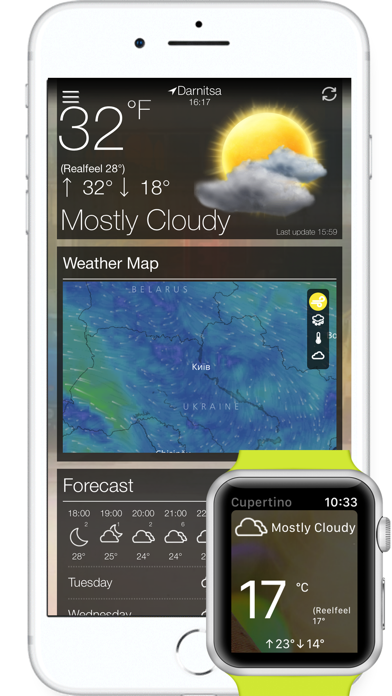
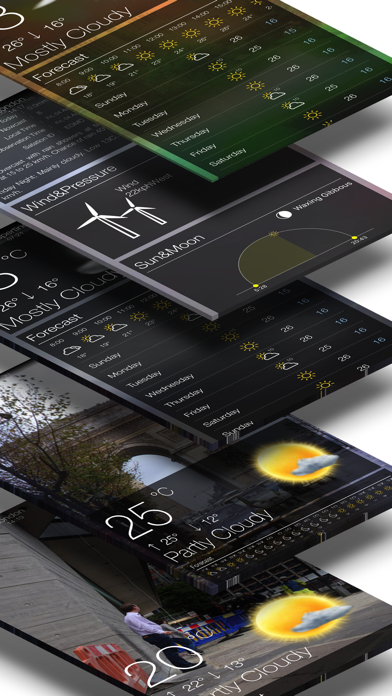
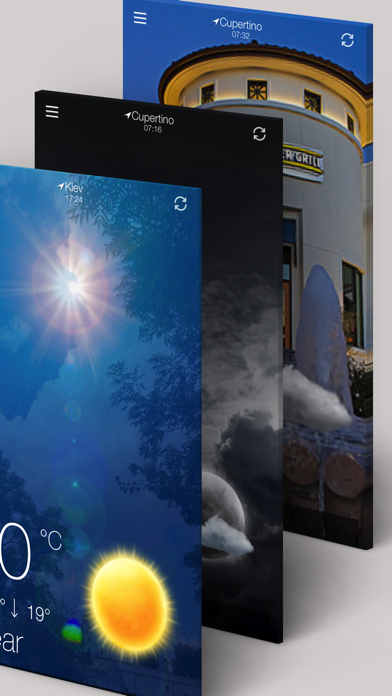
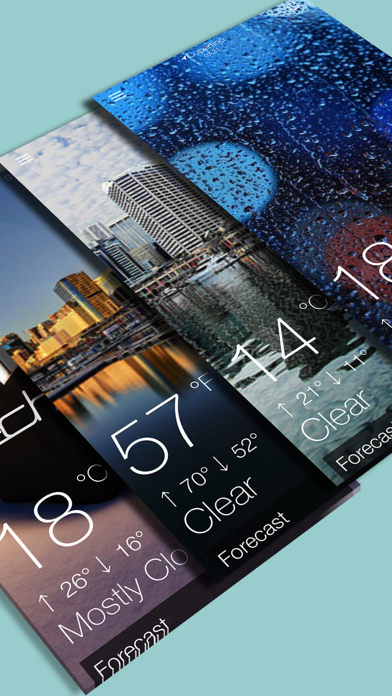
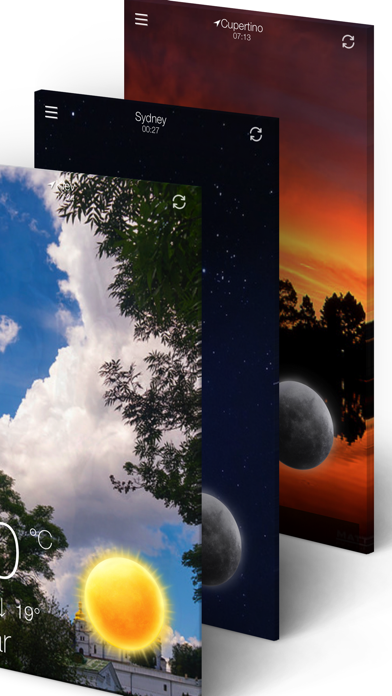
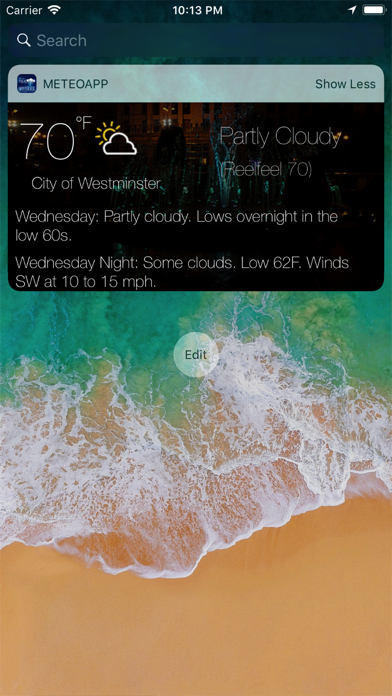
Weather .. by UniCom Technology is a compact 17 MB forecast app updated consistently since its 2017 launch, most recently in April 2026. It covers core forecasting needs with a 72-hour and 10-day outlook, automatic location detection, and an animated satellite map featuring wind, rain, temperature, and cloud layers. More than 21,000 ratings have settled at a strong 4.49 stars, pointing to a loyal user base, though the experience feels more functional than refined.
Compact app delivers essential forecasting with animated maps
Weather .. handles the everyday forecasting essentials with more depth than its small footprint suggests. Automatic location detection feeds a 72-hour and 10-day outlook, while a solid roster of metrics, including UV index, barometric pressure, visibility, feels-like temperature, humidity, and wind speed, covers most of what a daily user actually needs. The animated satellite map is the standout feature, offering selectable layers for wind, rain, temperature, and cloud cover that give genuine context to incoming patterns rather than just a static number. For a free app at 17 MB, that capability is a meaningful differentiator, even if the execution is less polished than dedicated radar applications. Worldwide city support and a Celsius to Fahrenheit toggle broaden its appeal for international users and travelers alike.
Reliable performance hampered by cluttered screen layout
At 17 MB, Weather .. installs quickly and avoids the bloat common in ad-supported utilities. The 4.49-star average across more than 21,000 ratings suggests the app runs reliably for most users over extended periods, which is a meaningful signal given that frustrated users tend to rate quickly. Today Widget and Apple Watch support are practical additions that reduce how often you need to open the app at all, keeping quick checks genuinely quick. That said, the sheer volume of data points displayed on a single screen can make the experience feel congested during fast glances, which is precisely when a weather app gets used most. City background images are decorative rather than functional and add a layer of visual noise that works against clarity.
Free with unclear in-app purchase options
The app is free to download, which removes any barrier to trying it. In-app purchases are listed on the App Store page but are not clearly explained upfront within the app itself, making it difficult to know what you are paying for or whether the free tier imposes meaningful limitations. Ads are present, as expected for a free utility. For users willing to accept occasional ads and some ambiguity around upgrade pricing, the feature set represents genuine value at zero upfront cost. Users who want a fully transparent, ad-free experience from day one may find competing apps with clearer pricing structures a more comfortable fit, even if those options carry a subscription fee.
Location access required, data practices need verification
Weather .. requires location access to deliver its core functionality, which is standard for any forecast app. Beyond that, the specifics of what data is collected, how it is stored, and whether it is shared with third parties for advertising purposes are best verified directly in the App Store privacy nutrition label on the app's product page. That label is the authoritative source for understanding data linked to you, data used to track you, and data not linked to you. Given that the app is ad-supported, reviewing those disclosures before installing is a reasonable step, particularly for users who are cautious about location data handling.
Functional design undermined by decorative elements
The visual design is functional but uneven. City background photography adds a decorative layer that contributes little forecasting value and can distract from the data itself. When all available metrics appear simultaneously, the layout competes for attention rather than guiding the eye toward the most relevant information. The app name, styled as "Weather .." with trailing punctuation, creates a minor but genuine discoverability problem in App Store searches. On the accessibility side, the app carries a 4+ content rating, and while standard iOS accessibility features such as Dynamic Type and VoiceOver may provide some benefit, the dense multi-column data layout could present challenges for users relying on screen readers. Checking the app with VoiceOver enabled before committing is advisable for those users.
Continuously maintained since 2017 release
The update history here is genuinely encouraging. Weather .. has been maintained continuously since its August 2017 release, and the most recent update landed in April 2026, confirming that UniCom Technology is still actively supporting the product. Version 1.47 reflects steady incremental development rather than a stagnant or abandoned project, which matters for a utility app where data source integrations and iOS compatibility require ongoing attention. The combination of long-term support and a high rating volume suggests the developer responds to user feedback over time. That consistency is one of the app's most underrated qualities and a meaningful reason to trust it as a reliable tool.
Pros
- Animated satellite map with four selectable layers adds genuine forecasting context beyond static numbers
- Strong metric coverage including UV index, barometer, visibility, and feels-like temperature
- Today Widget and Apple Watch support make quick checks genuinely frictionless
- Compact 17 MB install size with a consistent update history stretching back to 2017
Cons
- Interface feels congested with multiple data points and decorative city images competing for attention
- In-app purchase details are not clearly explained upfront, making upgrade value difficult to assess
- The stylised app name makes it harder to locate through standard App Store searches
Related guides
Similar Utilities apps


apptidal is independent and ad-supported. We earn no commission on installs and no company can pay for a better score. How we stay independent.