
Media · iOS
Audio Editor - Music Mixer
by HappyTimes Tech Co., Ltd.
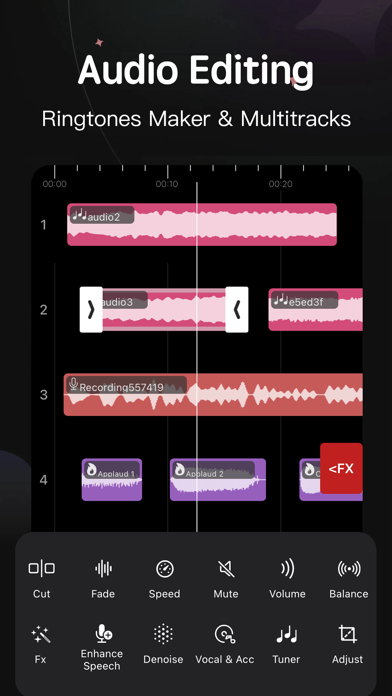
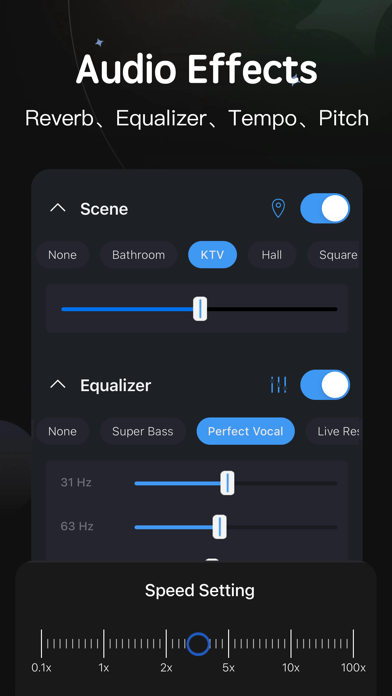
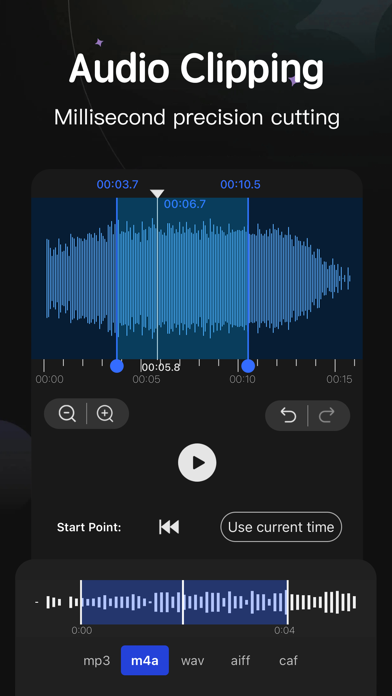
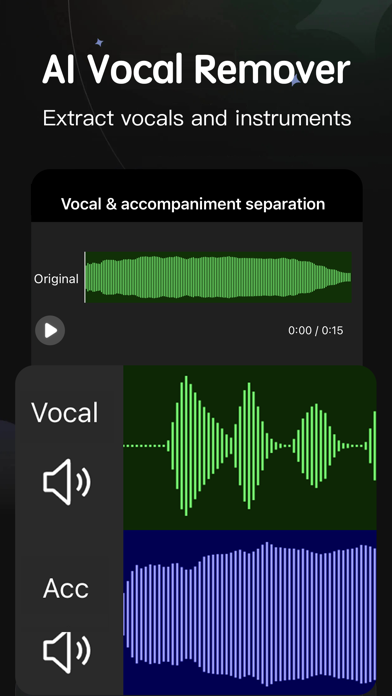
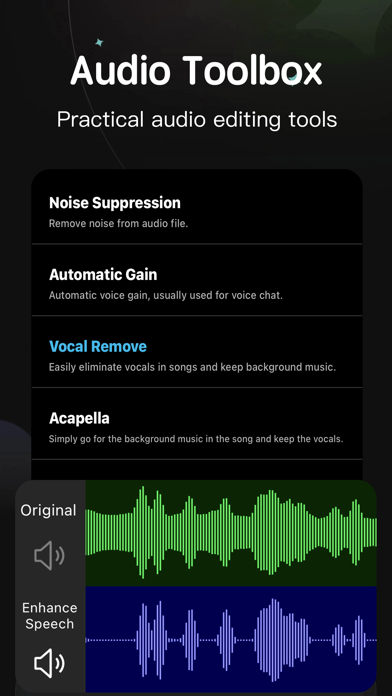
Released in April 2018 and now at version 5.86, Audio Editor - Music Mixer has accumulated genuine mileage as a free mobile editing utility. It targets anyone wanting to cut an MP3, stitch tracks together, or craft a custom ringtone on iOS. The feature list is broader than most free rivals, covering EQ, tempo adjustment, noise reduction, and Wi-Fi file transfer. Whether it delivers on that breadth is a more complicated story.
Core editing handles casual tasks reliably
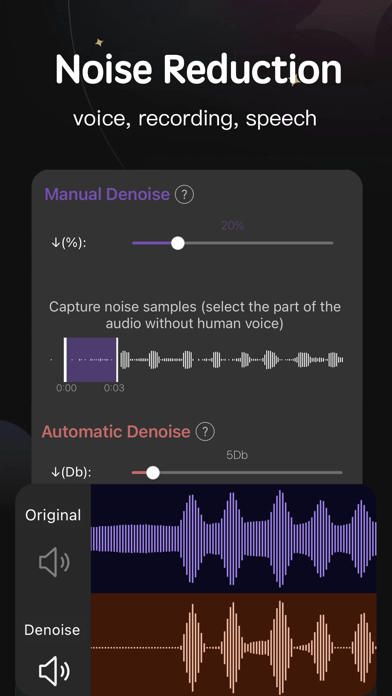
The core cut-and-merge workflow handles casual use reliably. Trimming a song to ringtone length and exporting it takes only a few taps once you locate the right menus. Wi-Fi import and export is a practical standout, letting you move audio files between your iPhone and a computer on the same network without cables or cloud accounts. Noise reduction, available in both automatic and manual modes, is a welcome addition at the free tier. Beyond those highlights, the app also covers EQ adjustment, tempo shifting, and multi-track mixing, giving it a feature footprint that few free mobile editors can match on paper.
Heavy install and layered menus slow discovery
At 154 MB, the install footprint is on the heavier side for a mobile audio utility, and the app's broad feature set contributes to real interface complexity. New users will likely spend time hunting for functions rather than editing audio. Simple tasks that should take seconds can stretch longer when menus are layered or labeled ambiguously. Rough localization in parts of the UI adds to the friction. On the positive side, the app carries a 4.61 rating across a meaningful 11,000 reviews, which suggests the core editing engine is stable enough to satisfy a large base of everyday users. Performance qualitatively tracks as adequate rather than snappy.
Free tier solid, paywalls lack transparency
The base download is free, which makes the app easy to try without financial commitment. The problem is that in-app purchases are not clearly flagged before you tap into a feature, so users frequently discover a paywall only after investing time in a project. That lack of transparency is a genuine frustration and a common complaint in this category. For users whose needs stay within the free tier, primarily ringtone trimming, basic merging, and Wi-Fi transfer, the value proposition is solid. Anyone expecting full access to EQ, advanced mixing, or export quality controls should budget for purchases and research exactly what is gated before committing.
Check App Store privacy label before installing
We cannot independently verify the app's data practices without fabricating findings. The right place to check is the App Store privacy label on the app's product page, which Apple requires developers to maintain and which lists data collected, data linked to you, and data used for tracking. For an audio editor, expect at minimum microphone and media library access. Whether usage data or identifiers are collected for advertising purposes, given the app is ad-supported, is worth confirming in that label before installing. Reviewing it takes under a minute and is the most reliable source available.
Functional design shows age, accessibility untested
The visual design is functional rather than refined. After eight years of iterative updates the interface shows its age in places, with layered menus and localization quirks that hint at a product built incrementally rather than redesigned holistically. Standard iOS accessibility features such as Dynamic Type and VoiceOver may work at the system level, but the app does not appear to have been purpose-built with accessibility as a priority. Users who rely on screen readers or large text should test the free download before committing. The content rating of 4-plus means the app is suitable for all ages from a content standpoint.
Eight years of updates signal active development
Maintenance history here is genuinely encouraging. The app launched in April 2018 and has reached version 5.86, with the most recent update logged in June 2026. That cadence across roughly eight years reflects a developer, HappyTimes Tech Co., Ltd., that has kept the product alive and responsive to platform changes rather than abandoning it after launch. A 4.61 average rating across 11,000 reviews further supports the conclusion that the app is not stagnating. The version numbering alone suggests dozens of iterative releases, which is a reasonable proxy for ongoing investment in stability and feature development.
Pros
- Wi-Fi import and export removes the cable dependency that most rival free apps ignore
- Noise reduction with both automatic and manual control is rare at the free tier
- Covers cutting, merging, mixing, EQ, and tempo adjustment in a single app
- Consistently maintained since 2018 with a June 2026 update and a strong 4.61 rating across 11K reviews
Cons
- Paywalled features are not clearly flagged before you tap into them, creating mid-project surprises
- At 154 MB the install size is heavy for a mobile audio utility, and the layered interface slows down simple edits
- Localization rough spots throughout the UI suggest the editing experience is closer to functional than polished
Related guides
Similar Media apps


apptidal is independent and ad-supported. We earn no commission on installs and no company can pay for a better score. How we stay independent.