
Media · iOS
Color Pop : AI Photo Editor
by Color Pop Effects LLC
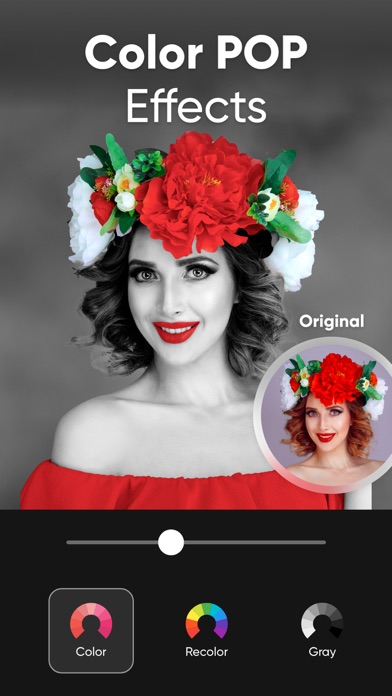
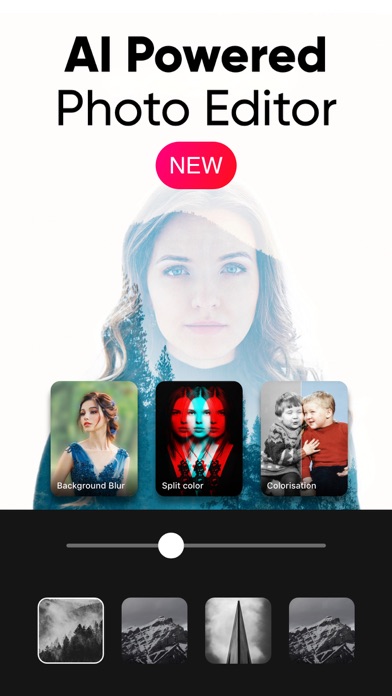
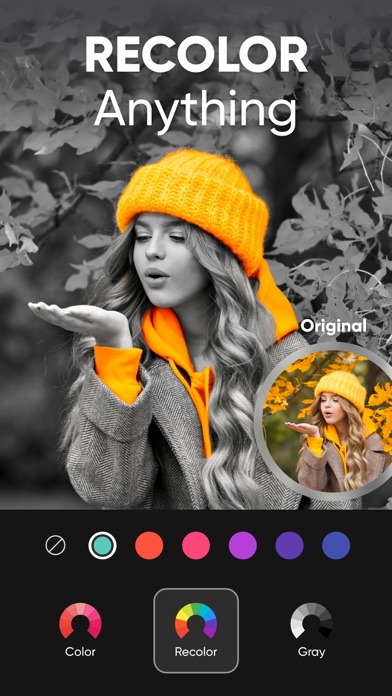
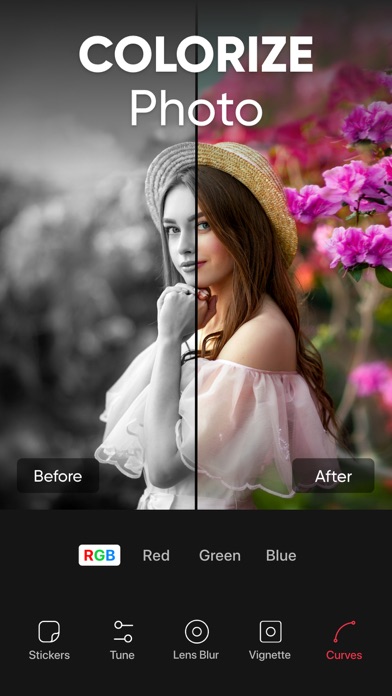
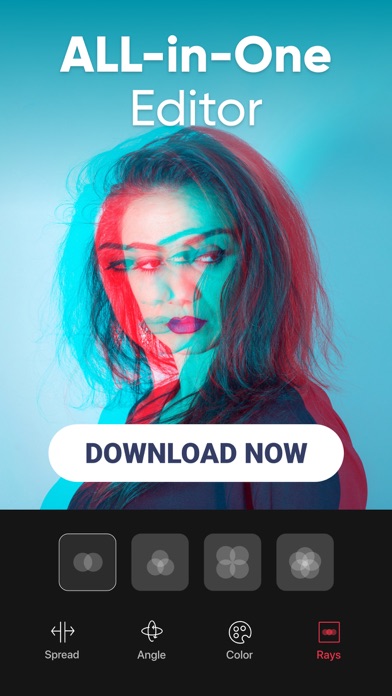
Launched in 2014 and now at version 8.8, Color Pop has refined its core selective color engine while adding AI colorization, a recolor brush, double exposure blending, and a nine-photo collage builder. At 84 MB the footprint stays lean for what is on offer. Nearly 78,000 ratings averaging 4.61 stars point to a genuinely loyal audience rather than a review-gamed spike, making this one of the more durable one-trick-plus apps in the App Store.
Selective color isolation works instantly without masking
The namesake feature isolates a chosen subject in full color while draining the surrounding frame to black and white, producing an effect that looks effortful but takes seconds. No manual masking expertise is required, which is precisely the appeal for casual shooters. AI colorization extends a similar philosophy to old black-and-white photos, restoring plausible hues automatically. The recolor brush lets users audition a purple streak in their hair or a different eye color without any real-world commitment. Double exposure blending and a nine-panel collage builder push the session beyond a single effect. Curves and basic adjustment controls add a layer of precision, though dedicated power users will hit a ceiling before long. For the target audience, the core tools do exactly what they promise.
Compact install size with strong stability ratings
An 84 MB install is notably compact for an app that bundles AI colorization alongside several editing modes, suggesting the developer has kept assets and on-device models reasonably tight. The 4.61 average across nearly 78,000 ratings is a strong qualitative signal that crashes and export failures are not widespread complaints. Regular updates, with the most recent landing in January 2026, indicate that performance regressions are addressed rather than left to fester. Processing speed for AI features will vary with device generation, as is true across the category, but no verifiable benchmark data exists to quantify that gap. On modern hardware the workflow should feel fluid for the quick social-media edits the app targets.
Free tier delivers core features without paywall
The free entry point means casual users can access the headline selective color feature without spending anything. In-app purchases exist, and the exact scope of what sits behind the paywall is best confirmed inside the app itself before committing. The content rating of 4+ and a broad user base suggest the free tier is genuinely usable rather than a pure teaser. Anyone needing RAW support, non-destructive layers, or professional export options will find the value proposition weaker, since those workflows belong to dedicated pro editors at higher price points. For quick, visually striking social posts, the free version offers solid return on zero dollars invested.
Photo access necessary, but review privacy label first
Color Pop is a photo editor, so photo library access is a functional necessity rather than a red flag on its own. Camera permission may be requested for in-app capture. The App Store privacy nutrition label for this app is the authoritative source for understanding exactly which data types are collected, whether any are linked to your identity, and whether data is shared with third parties. We recommend reviewing that label before granting permissions, particularly given that the app is ad-supported and free, a combination that sometimes correlates with broader data collection practices. Checking privacy settings post-install to limit access to selected photos rather than the full library is a sensible precaution for any photo editor.
Touch-friendly interface designed for casual editing
The interface is built around quick, visually driven workflows, with large preview areas and brush-based controls that suit touchscreen interaction. The 4+ content rating signals no mature content concerns. Formal accessibility testing results are not available to us, so we cannot confirm VoiceOver label coverage or Dynamic Type support with certainty. What is observable is that the app targets a broad, non-technical audience, which typically encourages simpler navigation hierarchies and larger tap targets. Users who rely on assistive technologies should test the core editing flow before committing, as brush-based tools in photo editors can vary considerably in screen-reader friendliness across the category.
Over a decade of consistent updates and improvements
A release history stretching back to November 2014 combined with a January 2026 update puts Color Pop among the more consistently maintained apps in the photo-editing category. Version 8.8 is a meaningful version number that reflects iterative development over more than a decade rather than a single launch spike. The addition of AI colorization in recent versions shows the developer is incorporating current technology rather than coasting on the original feature set. Nearly 78,000 ratings accumulated over that period suggest sustained organic discovery rather than a flash-in-the-pan audience. All of this points to an app with genuine long-term viability, which matters when you build a photo workflow around a tool.
Pros
- Core selective color effect requires no masking skills and produces shareable results in seconds
- AI colorization of old black-and-white photos is a practically useful and well-integrated addition
- Compact 84 MB footprint delivers multiple editing modes without a heavy install burden
- Over a decade of consistent updates, including a January 2026 release, signals reliable long-term maintenance
Cons
- In-app purchase scope is not fully transparent upfront, requiring in-app review to understand what the free tier actually covers
- Collage builder capped at nine photos limits more ambitious or complex layout work
- No RAW file support makes the app a poor fit for shooters using mirrorless cameras or ProRAW on iPhone
Related guides
Similar Media apps


apptidal is independent and ad-supported. We earn no commission on installs and no company can pay for a better score. How we stay independent.