
Finance · iOS
Fudget: Monthly Budget Planner
by Danny Connell
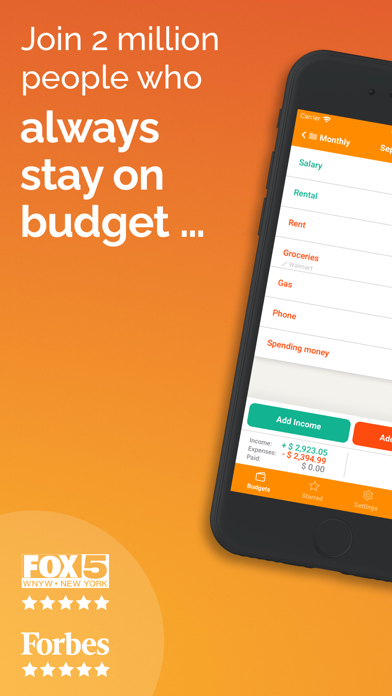
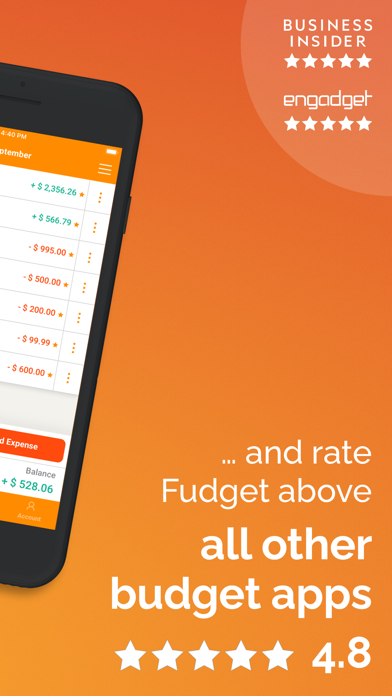
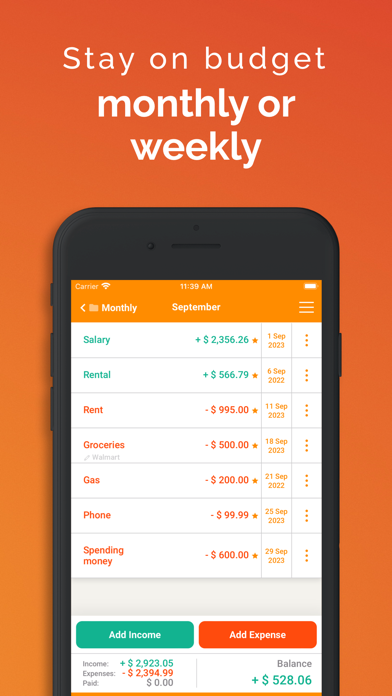
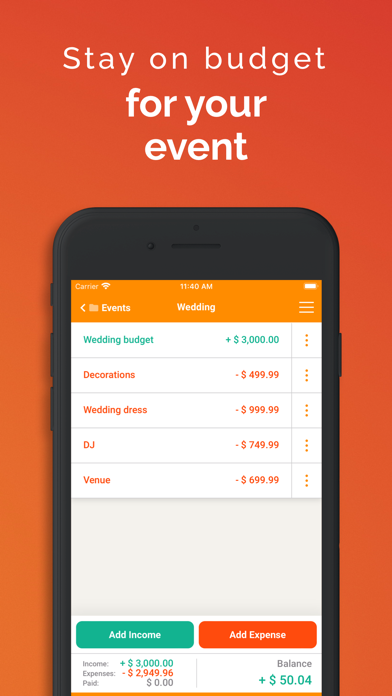
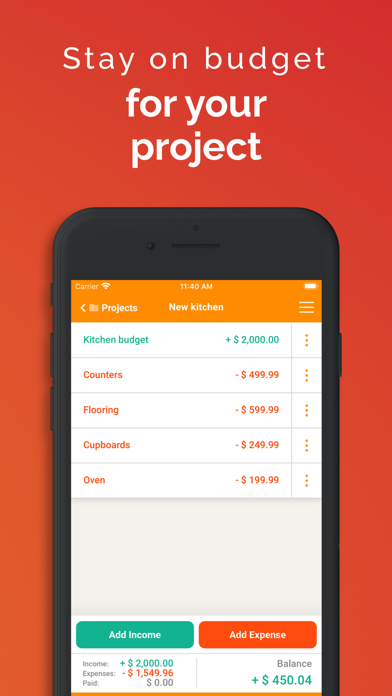
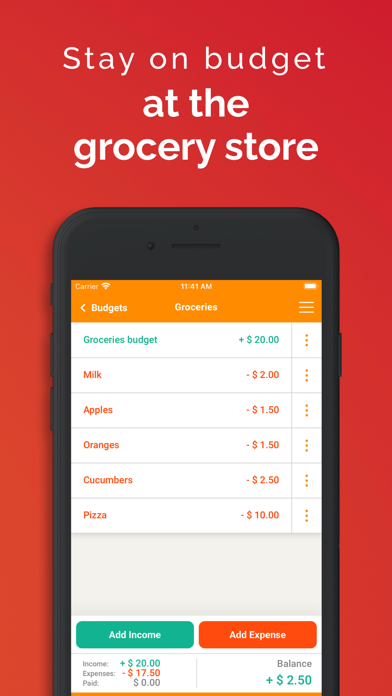
Fudget reduces budgeting to a single equation: income minus expenses equals what remains. There is no bank syncing, no automatic categorization, and no AI nudging you toward subscriptions. What you get is a lightweight, offline-first ledger you can configure in under two minutes for a paycheck cycle, a wedding fund, or a grocery run. A 4.66 store rating across 2,000 reviews confirms the deliberately minimal approach resonates widely.
Starred entries eliminate repetitive data entry
Fudget's core proposition is refreshingly narrow: enter income, enter expenses, watch the running balance update. The starred-entries feature is the standout mechanic here. Mark rent, utilities, or recurring subscriptions as starred and they carry forward automatically into the next budget period, cutting repetitive data entry down to almost nothing. A live running balance column updates as you mark items paid, giving an at-a-glance picture of remaining cash. Biometric lock support via Face ID and Touch ID adds a privacy layer that many free-tier finance apps skip entirely. For discrete, bounded budgets such as events or project costs, the app executes its purpose cleanly and confidently.
Offline design keeps the app responsive
At 28 MB, Fudget installs quickly and runs entirely offline, so there are no loading spinners waiting on a server sync. The lightweight footprint also suggests a low memory overhead, which matters on older devices. Version 2.0.25, updated as recently as February 2026, indicates the developer is actively patching and refining the build rather than letting it stagnate. The manual-entry model means performance is largely determined by how disciplined the user is rather than the app itself. Logging a transaction takes only a few taps, and the flat list layout keeps navigation predictable. The absence of background data fetching also means no unexpected battery or data drain.
Free tier includes core features
The base app is free, which removes any barrier to trying it. In-app purchases exist, though specific pricing tiers are not disclosed in available public data. Prospective users should review current upgrade options in the App Store before committing. Even at the free tier, the core budgeting loop, starred entries, biometric lock, and multiple budget types are available without a subscription wall. Compared to category competitors that charge monthly fees for bank sync and trend analysis, Fudget's free manual approach is genuinely competitive for users who do not need those features.
On-device storage limits data exposure
Because Fudget requires no account creation and no bank credentials, the data exposure surface is fundamentally smaller than apps that connect to financial institutions. All budget data appears to live on-device, which is a meaningful structural privacy advantage. That said, the actual permissions requested and any data the app collects for analytics or advertising should be verified in the App Store privacy nutrition label before downloading. As an ad-supported publication we always recommend checking that label directly, since it is the authoritative source for what is collected, linked to your identity, and used for tracking.
Simple layout prioritizes usability
Fudget's interface prioritizes clarity over visual complexity. The flat list structure and running balance column are easy to scan, and the lack of nested menus keeps the learning curve minimal. Support for Face ID, Touch ID, and passcode protection is built in at no extra cost, which reflects thoughtful baseline design. On accessibility, the app's simple layout and high-contrast numeric display are broadly legible, though users who rely on VoiceOver or Dynamic Type should verify current support in the App Store or via the developer's support page, as we cannot independently confirm screen-reader behavior.
February 2026 update shows active maintenance
The update history here is encouraging. Released in August 2023, Fudget reached version 2.0.25 with a confirmed update in February 2026, suggesting consistent iteration over roughly two and a half years. Solo-developer apps in the Finance category sometimes stall after an initial launch burst, but the recency of the last update and the steady version increment indicate Danny Connell is actively maintaining the product. A 4.66 rating across 2,000 reviews also signals that user feedback is being addressed rather than ignored, which is a healthy sign for long-term reliability.
Pros
- Starred entries carry forward automatically into new budget periods, cutting repetitive data entry
- Fully offline and account-free design keeps financial data off external servers
- Running balance updates live as items are marked paid, giving instant clarity
- Actively maintained with a confirmed update as recently as February 2026
Cons
- No bank or card sync means every transaction must be entered by hand, and missed entries silently skew the balance
- Charts are limited to single-budget summaries with no multi-period trend view
- Flat list structure offers no nested categories or tagging, which frustrates users tracking many spending types
Related guides
Similar Finance apps


apptidal is independent and ad-supported. We earn no commission on installs and no company can pay for a better score. How we stay independent.