
Finance · iOS
Monefy: Money Tracker
by Reflective Technologies ApS
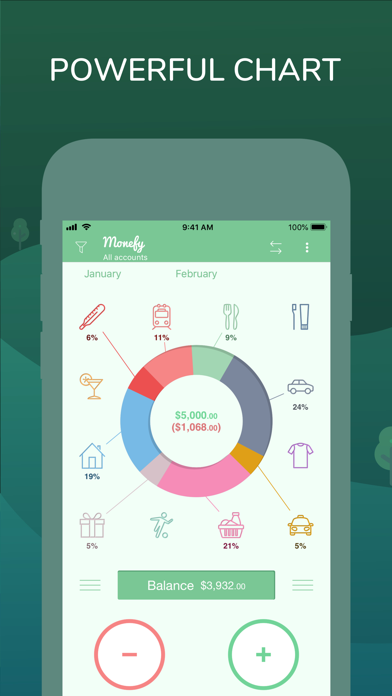
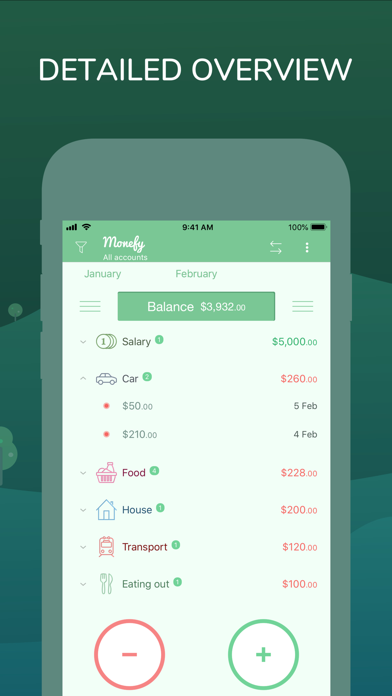
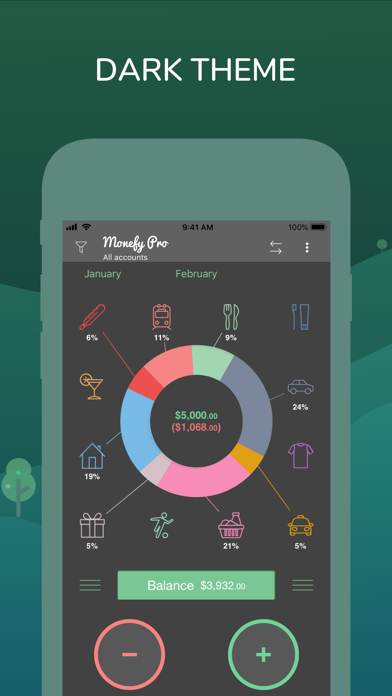
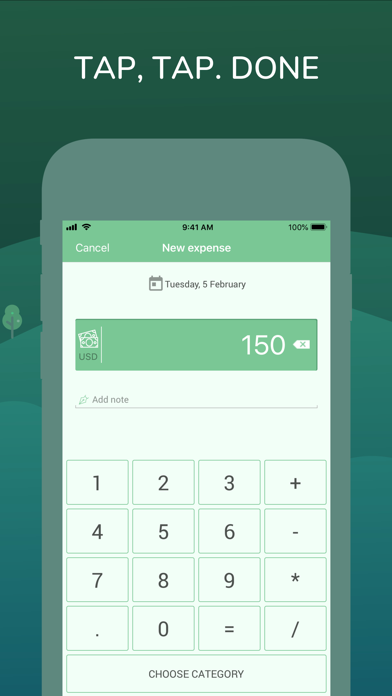
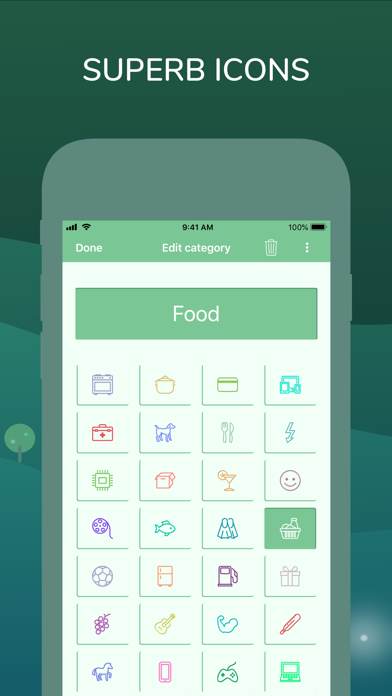
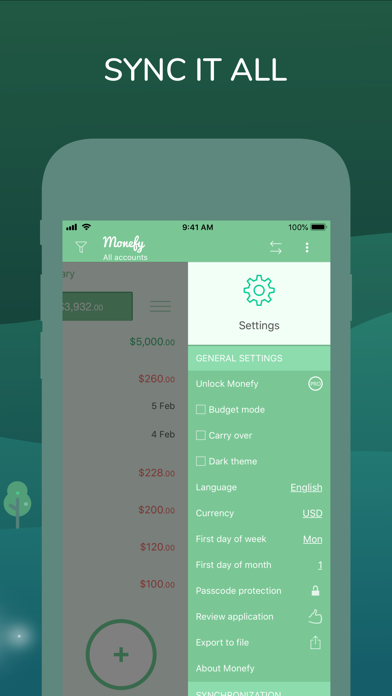
Monefy strips personal finance down to its most essential gesture: tap a category slice, type an amount, done. No account creation, no bank linking, no elaborate budget setup. The 54 MB install is compact, the visual feedback is immediate, and nearly nine years of continuous updates signal a developer still committed to the product. For anyone building a daily spending habit rather than seeking a full financial dashboard, the approach works remarkably well.
Spending log with instant pie chart updates
The core interaction is a single tap on a pie-chart segment followed by entering a number. No payee fields, no required memos, no tagging rituals. That deliberate restraint means transactions get logged on the spot rather than reconstructed from memory later. The pie chart refreshes instantly, giving an immediate visual read on spending distribution without navigating sub-menus. What Monefy does not do is equally important to understand: there is no bank import, no bill forecasting, and no income-versus-goal tracking. It is a spending log, executed with uncommon clarity, and within that defined scope it performs the job very well.
Lean footprint and strong user stability ratings
A 54 MB footprint is lean by modern app standards, suggesting the experience should feel snappy on any reasonably current iPhone. The app carries a 4+ content rating, meaning Apple found nothing requiring age restrictions, which also points to a clean, straightforward implementation. With over 7,000 ratings averaging 4.72 stars, user-reported stability is strong over a large sample. Qualitatively, the minimal interface means fewer moving parts to slow down or break. The main performance caveat involves sync: routing data through Google Drive or Dropbox adds a dependency on third-party services, so sync speed and reliability are ultimately outside the developer's direct control.
Free download with optional in-app purchases
The app is free to download, which removes any barrier to trying it. In-app purchases exist, and the store listing should be consulted directly to understand exactly which features sit behind a paywall before building a workflow around the free tier. Common paywalled features in this category include additional categories, multi-currency support, and passcode protection. For casual single-currency tracking with the default category set, the free version is likely sufficient. Users who need expanded functionality may find the upgrade worthwhile, but it is worth auditing what the free tier actually covers before committing.
No bank connection limits data exposure
Because Monefy does not connect to banks or require account creation, the data exposure surface is narrower than many competing finance apps. Sync operates through Google Drive or Dropbox, meaning transaction data lives in storage the user already controls rather than on a proprietary server. That said, the App Store privacy nutrition label is the authoritative source for understanding exactly what data Monefy collects, how it is linked to your identity, and whether any data is used for tracking. Reviewing that label before logging sensitive financial details is strongly recommended, as this review cannot independently verify its contents.
Clean interface with large tap targets
The pie-chart interface is visually clean and the interaction model is consistent throughout. Large tap targets on chart segments suit users who prefer minimal precision input. The 4+ content rating reflects a simple, uncluttered presentation with no mature content concerns. Accessibility features such as Dynamic Type support and VoiceOver compatibility are not confirmed in available data, so users who rely on assistive technologies should test the app directly or consult accessibility-focused reviews before depending on it. The overall design philosophy, fewer elements, bolder visuals, and immediate feedback, tends to translate well across screen sizes and user experience levels.
Nine years of consistent development updates
Monefy was first released in April 2017 and reached version 1.10.8 with an update dated July 2026, placing it among the more consistently maintained apps in the personal finance category. Nearly nine years of active development across a free-tier product is a meaningful signal of developer commitment. Regular updates also reduce the risk of compatibility issues as iOS evolves. The version number and update cadence together suggest incremental refinement rather than neglect, which matters for an app users may rely on daily to track spending habits over months or years.
Pros
- Transaction entry takes seconds with a single tap plus an amount, reducing logging friction to near zero
- Pie chart delivers an instant at-a-glance spending breakdown without any sub-menu navigation
- Sync via Google Drive or Dropbox keeps financial data in storage the user already owns and controls
- Consistently maintained since 2017 with a July 2026 update confirming ongoing developer engagement
Cons
- Every transaction must be entered manually as there is no bank or card import of any kind
- Sync requires an active Google Drive or Dropbox account, which blocks users without either service
- Reporting depth is minimal, with no recurring transaction support, bill reminders, or multi-currency analysis in the base experience
Related guides
Similar Finance apps


apptidal is independent and ad-supported. We earn no commission on installs and no company can pay for a better score. How we stay independent.