
Media · iOS
Photo Editоr
by VIDEO EDITOR PTE. LTD.
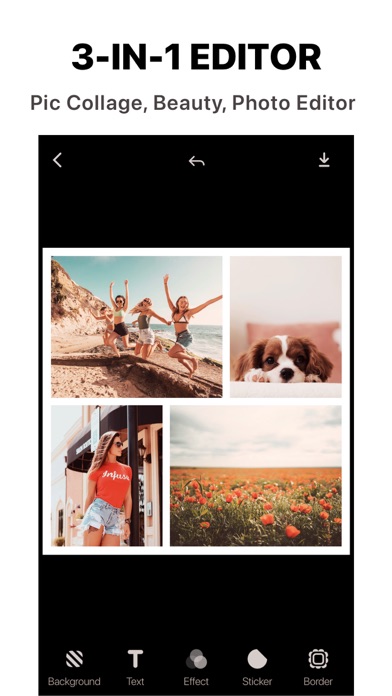
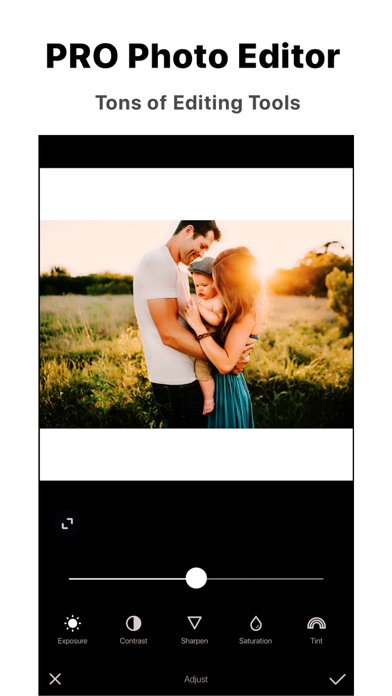
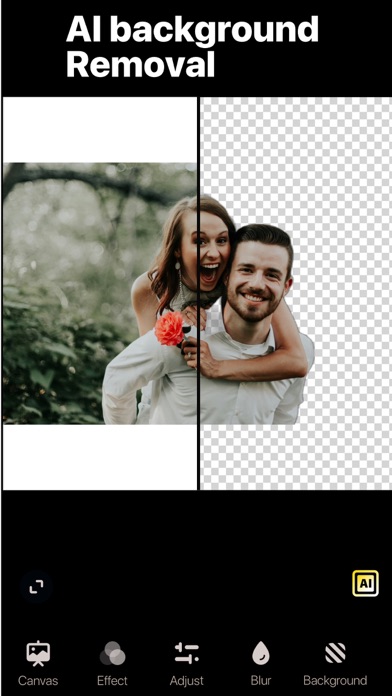
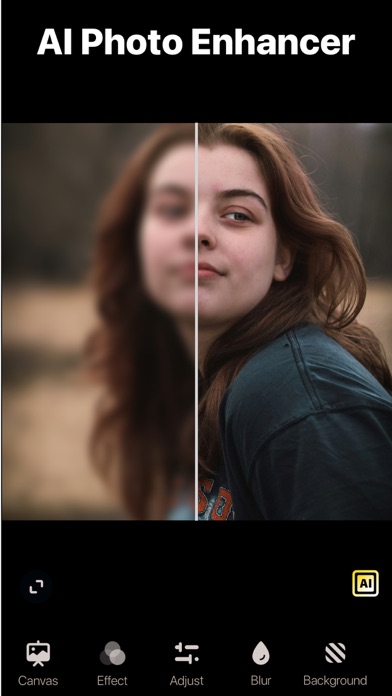
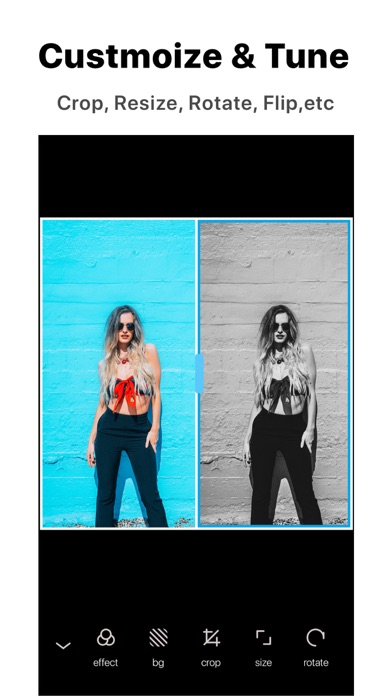
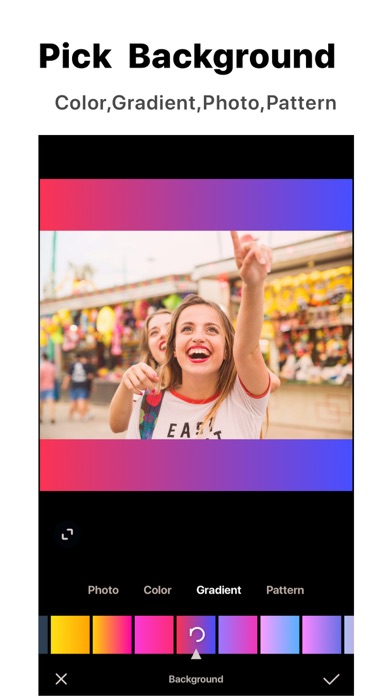
Released in 2012 and now on version 15.6.8, this 169 MB free app bundles background removal, object erasing, AI image generation, style transfer, selfie cartoonification, and template-based flyer creation into a single lightweight package. The feature list reads impressively, yet only 17K ratings back a 4.67 average, which is a thin foundation for a category where competitors have accumulated hundreds of thousands of reviews.
Broad toolkit with inconsistent AI output
The app covers the full contemporary AI photo toolkit: one-tap background removal, object removal, image enhancement, art-style transfer, text-to-image generation, and social-media templates. On clean, well-lit subjects, background removal and the enhancer perform competently and deliver usable results quickly. Style-transfer and cartoon filters are entertaining novelties. Template-based flyers come together fast enough for a casual social post. Where the experience falters is consistency, particularly in AI image generation, where output quality varies noticeably from prompt to prompt. The feature set is genuinely broad, but breadth and reliability are not the same thing, and the gap between what the marketing promises and what reliably appears on screen is real.
Lightweight install requires stable connection
At 169 MB, the install footprint is modest by modern AI-app standards, which suggests the heavier processing likely routes to remote servers rather than running entirely on device. The app has received updates as recently as June 2026, so active development is evident. Qualitatively, a lightweight install can mean faster downloads but also dependence on a stable connection for AI features. With only 17K ratings across a multi-year lifespan, volume-based signals about crash frequency or slowdowns are limited compared to category leaders. Day-to-day, expect the core editing tools to feel responsive, while AI generation tasks may vary depending on server load and network conditions.
Free trial advantage offset by thin track record
The app is free to download and lets users sample every headline feature without an immediate paywall, which is a genuine advantage for experimentation. A subscription unlocks the strongest AI capabilities on an ongoing basis, following the standard model for this category. The honest question is whether this subscription is competitive with Snapseed, Adobe Lightroom, or PicsArt, all of which are free to start and carry far larger user bases validating their value. For zero-commitment experimentation the price is right. For anyone considering a paid tier, the thin rating count makes it harder to justify over alternatives with longer, more transparent track records.
Review privacy label before uploading photos
The app carries a 4+ content rating, which reflects clean content rather than privacy practices. To understand what data this app collects, shares, or uses for tracking, the definitive source is the App Store privacy nutrition label on the app's product page. We recommend reviewing that label before granting permissions, paying particular attention to any data linked to your identity, usage data, or third-party sharing disclosures. AI apps that process photos on remote servers warrant extra scrutiny, since uploaded images may be handled differently than locally processed edits. Check which permissions the app requests at install and consider whether each is necessary for the features you actually plan to use.
Familiar interface with undocumented accessibility support
The interface follows familiar conventions for mobile photo editors, with a bottom toolbar and category-grouped tools that keep the learning curve low. The template and AI sections are clearly separated from manual editing controls, which helps new users orient quickly. Visual design is functional rather than distinctive, blending into a crowded field of similar-looking apps. On accessibility, the app carries a 4+ rating suggesting no mature content concerns, but specific support for Dynamic Type, VoiceOver, or other iOS accessibility features is not prominently documented. Users who rely on assistive technologies should test core workflows before committing, as accessibility depth varies widely across editors in this category.
Fourteen years active but modest user base
A June 2026 update on an app first released in June 2012 represents a 14-year lifespan with continued investment, which is a meaningful positive signal. Version 15.6.8 suggests a high iteration cadence over that period. The concern is not abandonment but rather the relatively modest community size that has accumulated over those years. Seventeen thousand ratings across more than a decade is a slower growth rate than category norms suggest, which raises questions about organic adoption. Active maintenance is clearly present; whether the development roadmap is driven by genuine user feedback at scale or primarily by trend-chasing is harder to assess from public signals alone.
Pros
- Covers the full menu of current AI photo tools including generation, style transfer, and background removal
- Lightweight 169 MB install keeps the download quick and storage impact low
- Consistently updated, with a version history spanning over 14 years of active development
- Free to try every headline feature without an immediate paywall
Cons
- Only 17K ratings across 14 years signals limited organic adoption compared to category rivals
- AI image generation quality is inconsistent and noticeably unreliable
- The most capable features are locked behind a subscription that is hard to justify over more proven alternatives
Related guides
Similar Media apps


apptidal is independent and ad-supported. We earn no commission on installs and no company can pay for a better score. How we stay independent.