
Media · iOS
Photoleap: AI Photo Generator
by Lightricks Ltd.
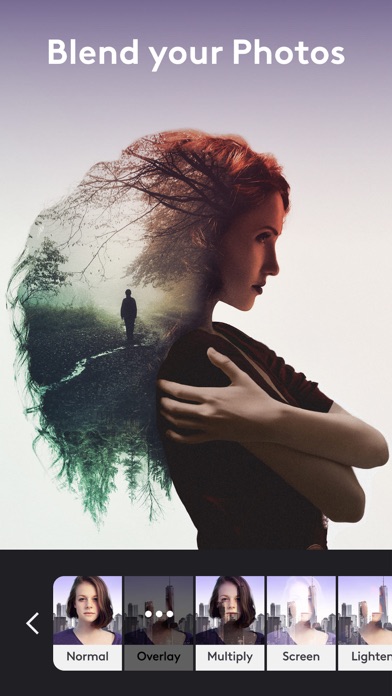
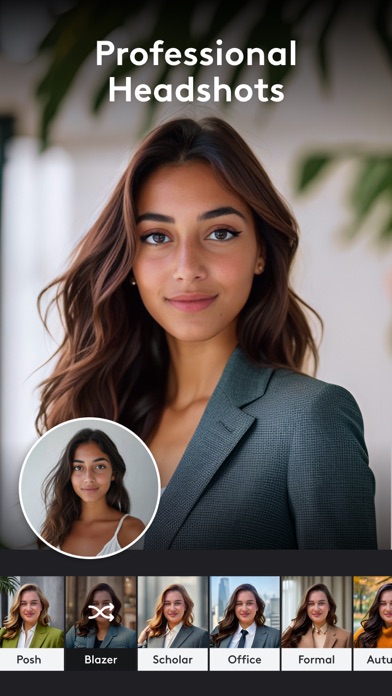
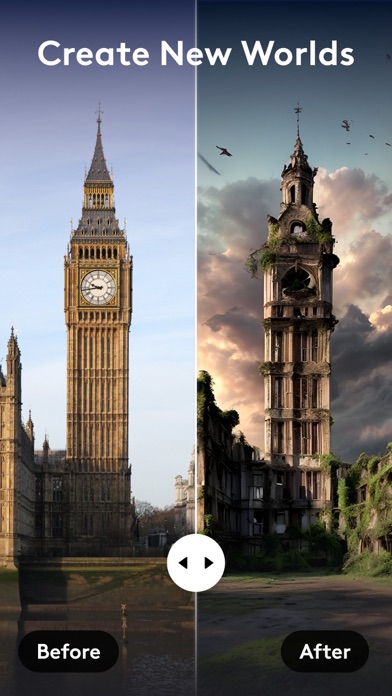
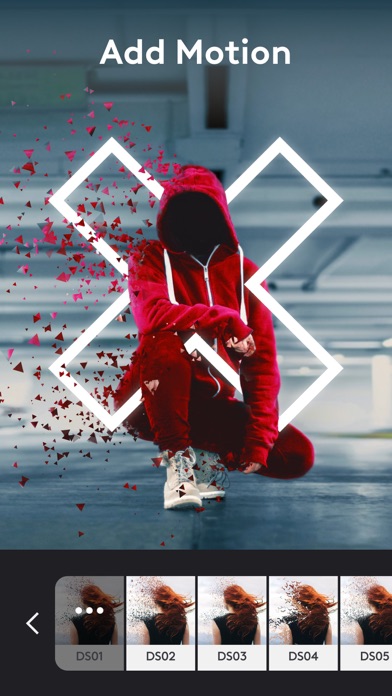
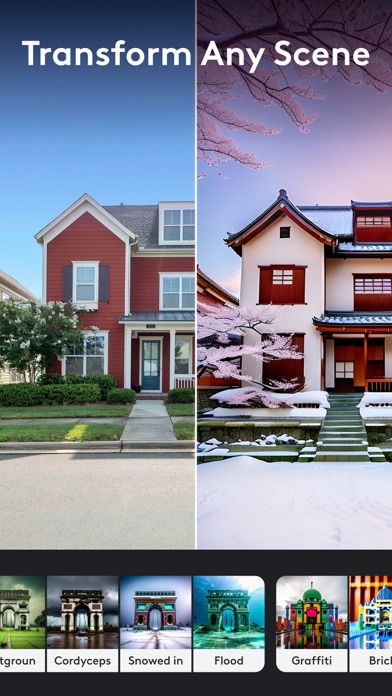

Built by Lightricks and on the App Store since 2017, Photoleap has grown from a layer-based photo editor into a broad AI creative suite. The app covers text-to-image generation, motion effects, 3D live-photo animation, and traditional compositing under one roof. A 4.68 average across 138K ratings signals strong crowd approval, though a 528 MB footprint and a subscription-gated feature set mean the commitment is real before you even open a project.
Integrated AI generation with real editing depth
Photoleap's core proposition is an end-to-end creative loop: type a concept, generate an image, then refine it with layer-based tools without ever leaving the app. That continuity is genuinely useful and sets it apart from standalone AI generators that hand you a flat file and nothing else. Beyond text-to-image, the photo animator and 3D live-photo tools add convincing movement to stills, which feels purposeful rather than decorative for creators targeting short-form social platforms. Traditional editing tools, masking, blending modes, and color grading sit alongside the AI features rather than being buried, giving the app real depth. The breadth is impressive; the question is always how much of it the free tier actually unlocks.
Reliable performance across a large user base
Qualitative signals here are encouraging. A 4.68 rating drawn from 138K reviews is a large, statistically meaningful sample, and sustained satisfaction at that scale usually reflects an app that runs reliably rather than one that crashes or stalls regularly. The 528 MB install size is substantial and worth flagging: on devices with constrained storage it will be a genuine trade-off, and first-launch asset loading may take a moment on older hardware. That said, Lightricks is an established developer with multiple high-profile apps, and their infrastructure track record is solid. AI generation tasks are server-dependent by nature, so output speed will vary with network conditions, something no review can measure in absolute terms but worth keeping in mind for offline or low-signal situations.
Free tier limits most AI features behind subscription
The app is free to download, but Lightricks operates a well-known subscription model and the most compelling AI features almost certainly sit behind a paywall or a credit system. The App Store listing uses broad marketing language that makes it genuinely difficult to map exactly which tools are free before you install. For creators who will use AI generation, motion effects, and compositing regularly, a subscription could represent fair value given the feature density. Casual users who only need occasional light edits are likely over-served and over-charged here, and simpler free alternatives exist for basic touch-ups. We recommend exploring the free tier carefully before committing to a recurring plan.
Server processing requires review of privacy policy
Photoleap requests access to your photo library, which is expected for any editing app, and AI generation features involve sending prompts or image data to Lightricks servers for processing. The specifics of what is collected, retained, or used for model training are detailed in the App Store privacy nutrition label, which is the authoritative source and worth reading before you upload personal or sensitive images. The content rating is 4+, suggesting no mature content concerns flagged at the platform level. As with any AI-powered creative tool, users should review the developer's privacy policy to understand data handling around generated content and usage analytics.
Dense interface rewards time investment in learning
Photoleap presents a polished, visually driven interface that reflects Lightricks' experience building consumer creative apps. The layout organizes AI tools and traditional editing into navigable sections, though the sheer volume of features can feel dense on a first visit. Onboarding helps orient new users, but the learning curve for deeper compositing workflows is real. On accessibility, the app carries a 4+ content rating and targets a broad consumer audience, which typically correlates with reasonable Dynamic Type and contrast support. For users who rely on VoiceOver or other assistive technologies, the App Store accessibility section and community forums are the most reliable places to verify current support, as we cannot independently test screen-reader behavior.
Nearly nine years of consistent development
Maintenance signals here are strong. Photoleap launched in July 2017 and reached version 2.123 with an update recorded in June 2026, meaning the app has been under continuous development for nearly nine years with no sign of abandonment. Lightricks has a track record of iterating its creative suite in response to platform changes and emerging AI capabilities, and the version number alone suggests a high cadence of releases. For users who depend on an app for professional or semi-professional work, that consistency matters. The AI landscape is moving quickly, and an actively updated app is far more likely to keep pace with new generation models and iOS platform features than one that has gone quiet.
Pros
- Text-to-image generation and layer-based editing share a continuous workflow, removing the need to export between apps
- 3D and motion animation tools add genuine, practical value for creators producing short-form social content
- A 4.68 average across 138K ratings is a large, statistically meaningful satisfaction signal
- Consistent update cadence through June 2026 confirms active, long-term maintenance by an established developer
Cons
- 528 MB install is a significant storage commitment that may deter users on space-constrained devices
- The most powerful AI features are almost certainly gated behind a subscription or credit system with limited free-tier transparency upfront
- Feature depth can overwhelm users who only need simple photo corrections, making lighter free alternatives a more practical choice
Related guides
Similar Media apps


apptidal is independent and ad-supported. We earn no commission on installs and no company can pay for a better score. How we stay independent.