
Media · iOS
Remini - AI Photo Enhancer
by Bending Spoons Apps ApS


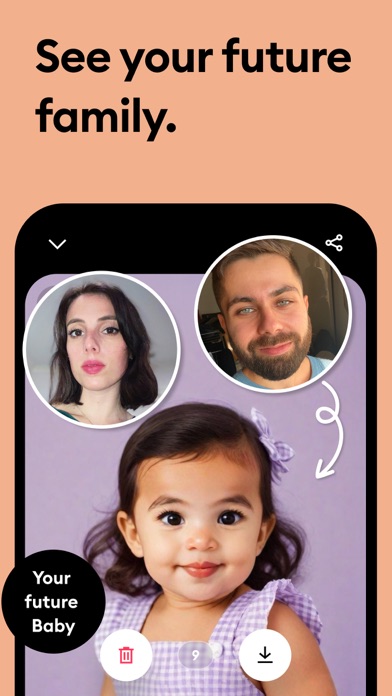
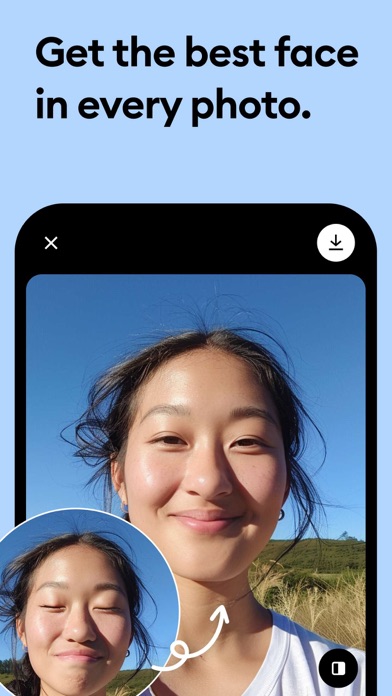
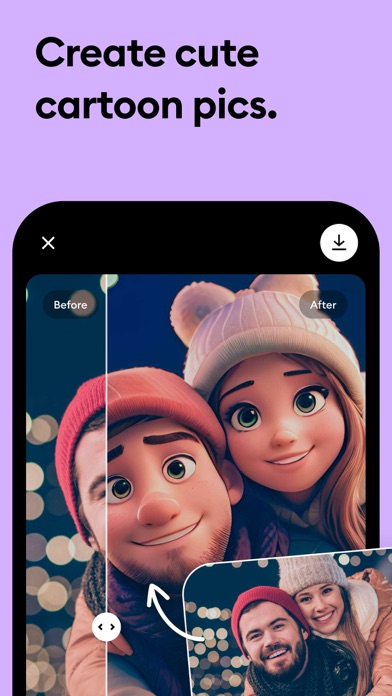
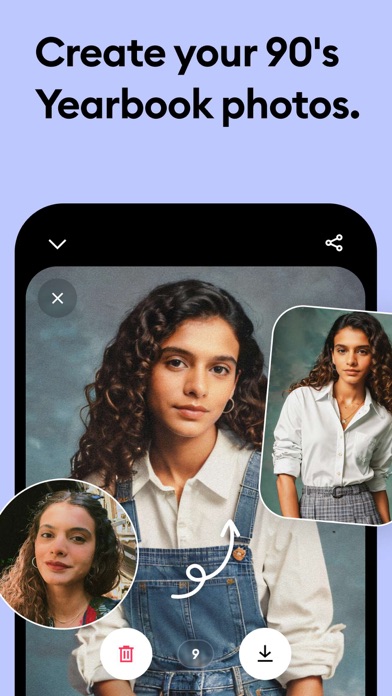
Developed by Bending Spoons and available since 2019, Remini has accumulated over 348,000 App Store ratings averaging 4.62 stars, a strong signal of real-world satisfaction at scale. The app applies AI upscaling and face-reconstruction algorithms to blurry, grainy, or low-resolution photos, with portraits as its clear specialty. At 197 MB it is not a lightweight install, and the free tier is better understood as a demonstration than a complete product.
Portrait restoration that outperforms general enhancement
Remini's core promise is simple: hand it a degraded photo and receive a sharper, more detailed version in return. On portraits and faces, that promise holds up remarkably well. The AI reconstructs skin texture, eye clarity, and hair definition from source images that look like smeared pixels, producing results that can feel almost uncanny. Everyday use cases, such as sharpening a slightly soft selfie or cleaning up a scanned print from the 1980s, also benefit noticeably. Where the app falls short is everywhere outside the human face. Landscapes, architecture, pets, and objects all receive meaningfully weaker treatment, making it a specialist tool rather than a general-purpose enhancer. Within its specialty, though, few mobile apps compete at the same level.
Simple workflow hampered by file size
The one-tap workflow keeps friction extremely low. Users select a photo, tap enhance, and wait a few seconds for the processed result, no sliders, no manual tuning required. A 197 MB install size is on the heavier side for a single-purpose app, though it reflects the on-device and cloud model assets needed for AI processing. The app has received updates as recently as June 2026, suggesting active optimization rather than a stagnant codebase. With 348,000 ratings and a 4.62 average, the volume of feedback indicates that crashes and major bugs are not widespread complaints. Processing speed will vary with network conditions for cloud-assisted jobs, but qualitatively the experience feels responsive for a task of this complexity.
Free tier leads to subscription paywall
The app is free to download, but that framing requires a caveat. The free tier provides enough processing to evaluate the technology convincingly, then routes users toward a subscription for continued use. Bending Spoons has had years to refine this funnel, and the monetization layer is polished. For someone restoring a finite collection of old family photos, a short subscription period could deliver strong value. For casual or occasional users, the free tier may be just sufficient. Anyone hoping to enhance non-portrait imagery regularly, or to process large volumes of photos, will find the subscription harder to justify given the weaker results outside the face-restoration use case. Subscription pricing details are not disclosed in the store metadata, so prospective subscribers should review the in-app purchase screen carefully before committing.
Personal photos require privacy label review
Remini processes photos, which by definition means sensitive personal imagery passes through the app and potentially through Bending Spoons servers. The App Store privacy nutrition label is the authoritative source for understanding exactly what data is collected, how it is linked to your identity, and whether it is used for tracking. We recommend reviewing that label before uploading photos of other people, particularly children or identifiable individuals from old family collections. Camera roll access is expected and necessary, but users should consider granting photo library access selectively rather than broadly if the platform allows it. Bending Spoons is a well-established European developer subject to GDPR, which provides a baseline of regulatory accountability, though that does not substitute for reading the privacy disclosures directly.
Minimal design serves accessibility well
The interface is clean and deliberately minimal. A single primary action dominates each screen, which reduces cognitive load and makes the app approachable for users who are not technically confident, including older adults who are often the ones with the most to gain from portrait restoration. The before-and-after comparison view is well executed and communicates results clearly. On accessibility, the simplified layout is a reasonable foundation for VoiceOver compatibility, though users with specific assistive-technology needs should test the core workflow themselves, as we cannot verify screen-reader behavior from store data alone. Text sizing and contrast appear adequate at default settings based on standard screenshots. The content rating of 4-plus reflects no objectionable material concerns.
Nearly seven years of active development
The update history here is genuinely reassuring. Remini launched in August 2019 and received its most recent update in June 2026, meaning Bending Spoons has sustained development across nearly seven years. That longevity matters for an AI-dependent app, where model quality and server infrastructure require ongoing investment. The 348,000-plus rating count also implies a large enough user base to fund continued development. Version 2.10.208 suggests a cadence of incremental releases rather than infrequent major drops, which is a positive signal for stability. Users can reasonably expect that the app will continue to receive AI model improvements and compatibility updates for current iOS versions in the near term.
Pros
- Face and portrait restoration produces consistently impressive, often dramatic results from heavily degraded source images
- Single-tap operation requires no manual adjustments, making it accessible to non-technical users
- 348,000-plus ratings averaging 4.62 stars reflect broad real-world satisfaction and a stable, well-maintained product
- Regular updates through June 2026 confirm active development and ongoing AI model investment
Cons
- Free tier functions more as a trial than a usable ongoing tool, with meaningful use requiring a paid subscription
- AI face reconstruction occasionally over-smooths features or subtly alters likeness, particularly on very low-resolution sources
- Enhancement quality drops sharply on non-portrait subjects, limiting the app's usefulness beyond its face-restoration specialty
Related guides
Similar Media apps


apptidal is independent and ad-supported. We earn no commission on installs and no company can pay for a better score. How we stay independent.