
Media · iOS
Rookie Cam - Photo Editor
by JellyBus Inc.
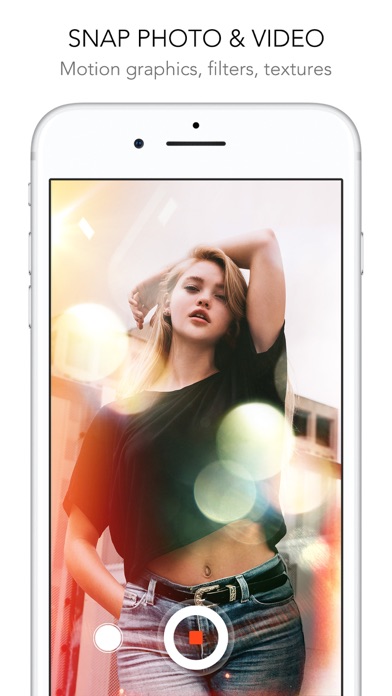
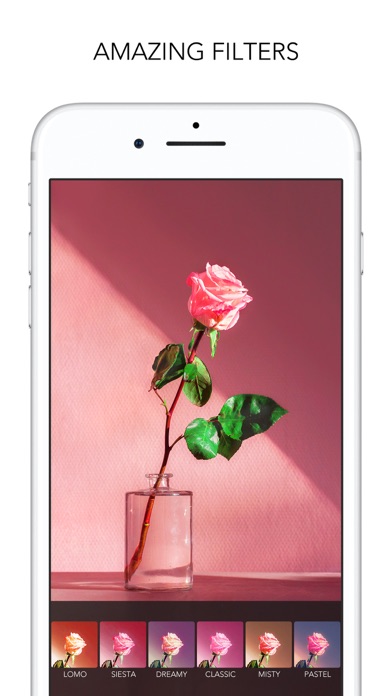
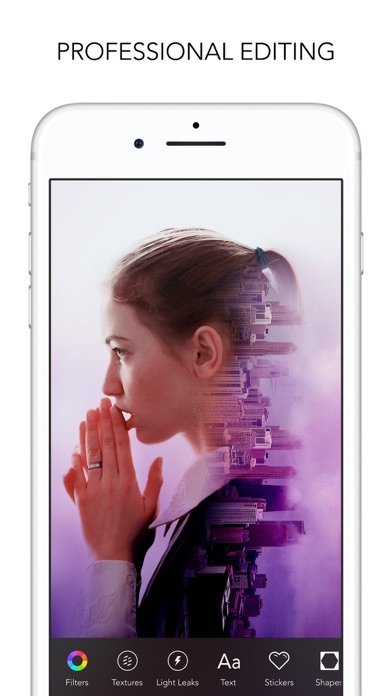
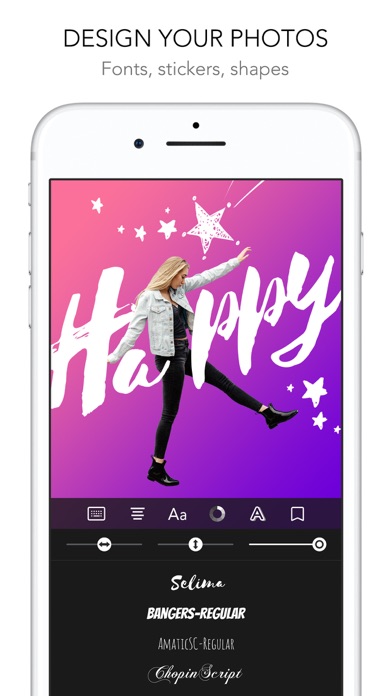
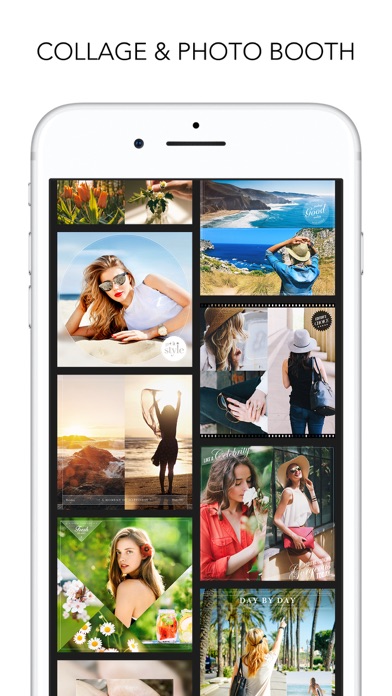
Released in January 2014 and still receiving updates as recently as June 2026, Rookie Cam has accumulated over 11,000 ratings and a 4.67-star average, signaling durable user satisfaction. The app centers on a live-filter viewfinder covering 200-plus effects spanning analog film grades, light leaks, particle overlays, and real-time skin smoothing, all organized into 16 themed groups. The 219 MB download reflects that breadth, and the free price point makes entry low-risk.
Live preview renders filters before capture
Rookie Cam's central promise is letting you see the finished look before you press the shutter, and that promise holds up. Film grades, bokeh particle effects, and light leaks all render live in the viewfinder rather than requiring a separate post-processing pass. The skin-smoothing control is filter-specific rather than a single global slider, which gives meaningfully finer control than most competitors offer. Video mode extends the same real-time treatment to animated stickers and polaroid layout overlays, removing an editing step that rival apps typically push to post. With 16 named theme groups organizing the library, navigation stays practical even as the filter count climbs past 200.
Performance acceptable on current devices
A 219 MB install is on the heavier side for a camera utility, and first-launch filter indexing can feel sluggish on older or storage-constrained devices. That said, the app's 4.67-star rating across more than 11,000 reviews suggests the majority of users find day-to-day performance acceptable. The update cadence, with version 6.1.2 landing in June 2026 on an app originally released in 2014, points to sustained engineering attention rather than a project running on fumes. Users on current hardware should expect smooth live rendering; those on older models may notice occasional hesitation when switching between filter groups.
Free download masks unclear paywall boundaries
The base download is free, which removes the financial barrier to trying the core experience. The complication is that with 200-plus filters spread across 16 themes, a meaningful share almost certainly sits behind in-app purchases, though the exact split is not disclosed before download. New users may build genuine enthusiasm over a filter preview only to encounter a purchase prompt at the shutter. For creators who shoot styled content regularly, unlocking additional filter packs is likely a reasonable spend. Casual users who only want a handful of looks may find the free tier sufficient, but there is no upfront clarity on that boundary before committing to the install.
Camera permissions required, privacy label review recommended
As a camera app, Rookie Cam necessarily requests access to the camera and camera roll at minimum, and features like animated overlays or sharing integrations may prompt additional permissions. The App Store privacy nutrition label for this app is the authoritative source for understanding exactly which data types are collected, linked to your identity, or used for tracking. We recommend reviewing that label before installing, paying particular attention to sections covering usage data and identifiers. The 4+ content rating indicates no mature content concerns, but privacy practices are a separate consideration worth a few seconds of due diligence.
Themed organization solves navigation at scale
The 16 themed filter groups reflect a deliberate organizational choice that keeps a 200-plus library navigable without endless scrolling, which is a meaningful usability win. The live viewfinder approach reduces cognitive load by collapsing the preview and capture steps into one. On accessibility, the app carries a 4+ content rating and targets a broad audience, though specific support for Dynamic Type, VoiceOver labels on filter previews, or reduced-motion alternatives is best verified directly in the app. The visual-first nature of a filter camera does present inherent challenges for users with low vision, and JellyBus has not publicly detailed dedicated accessibility accommodations.
Twelve years of updates signal ongoing support
The maintenance record here is genuinely strong. An app originally launched in January 2014 reaching version 6.1.2 with an update as recent as June 2026 represents over a decade of continuous development, which is uncommon in a category where many competitors have been abandoned. The 11,000-plus ratings accumulated over that span suggest a stable, returning user base rather than a one-time download spike. JellyBus appears to be treating Rookie Cam as a long-term product, and that history provides reasonable confidence that bug fixes and compatibility updates will continue alongside new iOS releases.
Pros
- 200-plus filters render live in the viewfinder before the shutter is pressed
- Per-filter skin-smoothing slider offers precise control without a blanket global effect
- 16 named theme groups make a large library genuinely navigable
- Real-time motion graphics and light leak overlays extend to video mode, eliminating a post-production step
Cons
- A meaningful share of the 200-plus filters is likely gated behind in-app purchases with no upfront disclosure of the free-versus-paid split
- 219 MB is a heavy install for a camera utility, particularly on storage-constrained devices
- First-launch filter indexing can lag noticeably on older hardware
Related guides
Similar Media apps


apptidal is independent and ad-supported. We earn no commission on installs and no company can pay for a better score. How we stay independent.