
Finance · iOS
Expense manager -Money tracker
by Larisa Maria Berce
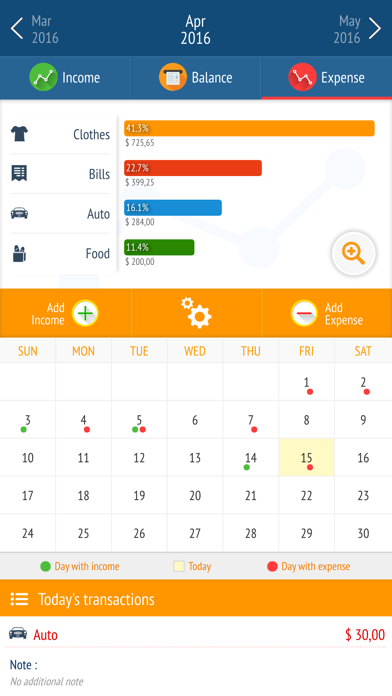
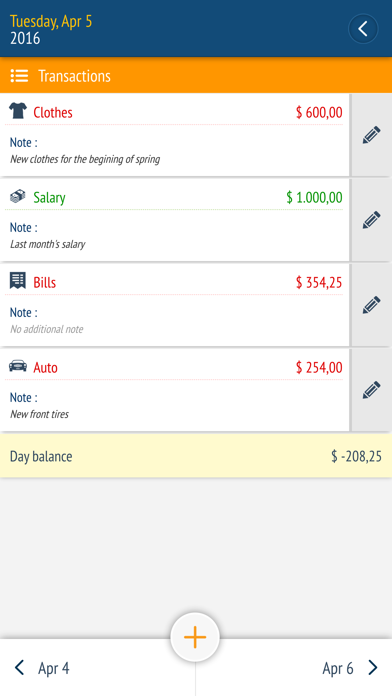
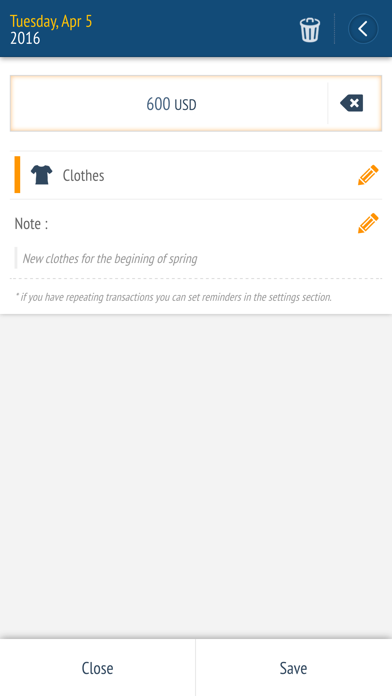
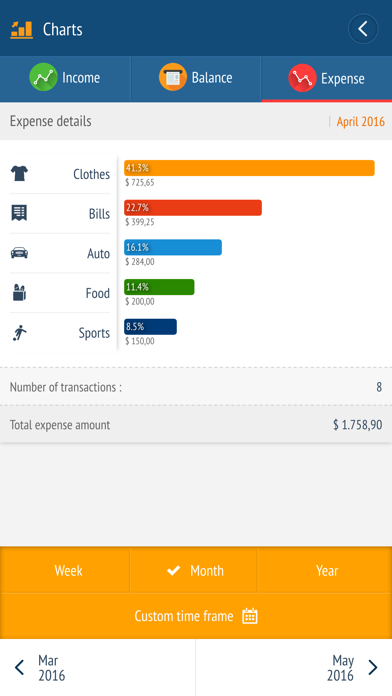
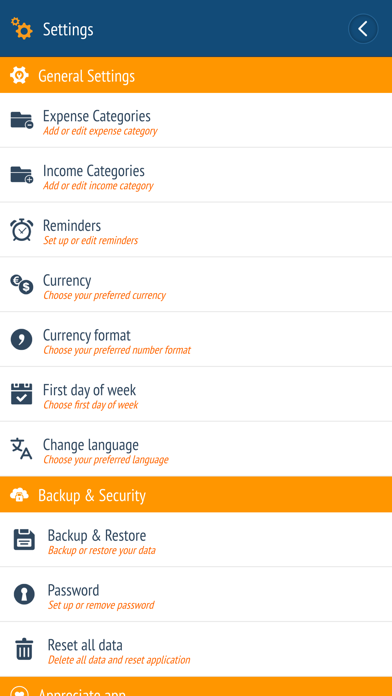
Developed by Larisa Maria Berce and quietly maintained since April 2016, this 24 MB finance tracker centers on a financial calendar view, customizable income and expense categories, and a built-in calculator. It targets people who want a no-fuss daily spending log without connecting a bank account. A 4.6-star store rating drawn from 273 reviews suggests a loyal, if modest, following for a deliberately simple tool.
Calendar layout excels at manual tracking
The core proposition is straightforward: log income and expenses manually, visualize them on a monthly calendar grid, and set reminders for recurring bills. That calendar-first layout is the genuine differentiator. Rather than burying transactions in a scrollable list, the app maps spending across a monthly grid so heavy-outlay days stand out immediately. Summarized balance charts add a second layer of clarity without demanding menu-diving. Customizable categories let users shape the taxonomy to their actual habits, and a built-in calculator reduces friction when splitting a bill or grouping purchases. For the narrow job of manual daily tracking, the app does what it promises with minimal clutter.
Lean install runs smoothly on older devices
A 24 MB install sits well below the category average for finance apps, which typically balloon with syncing frameworks and analytics SDKs. That lean footprint suggests fast launch times and modest memory use, even on older iPhones, though we cannot quote specific frame rates or benchmark figures. The December 2023 update confirms the app still receives attention, and the 4.6 rating held across 273 reviews points to a stable, largely bug-free experience for everyday logging tasks. Daily use friction is kept low by the integrated calculator and reminder system, both of which work without leaving the app. Users who expect real-time bank feeds or background sync will find the manual-entry model slow by comparison.
Free entry point with unclear premium features
The app is free to download, which removes any barrier to trying it. The scope of optional in-app purchases is not publicly detailed in the available data, so prospective users should review the App Store listing carefully before assuming all features are permanently free. Competing manual trackers such as Spending Tracker or Monefy occupy the same price tier with comparable feature sets, meaning the value case rests on personal preference for the calendar layout rather than a clear cost advantage. For strictly casual budgeters who want zero subscription commitment, the free entry point is genuinely appealing.
Privacy details require App Store label review
The app carries a 4+ content rating, indicating Apple found no mature content concerns during review. Beyond that, we cannot responsibly state which data types are collected, shared, or linked to identity without fabricating findings. The definitive source is the App Store privacy nutrition label on the app's product page, which lists every declared data category under Apple's standard framework. Users who are cautious about financial data should review that label before installing, paying particular attention to whether usage data or identifiers are shared with third-party advertising networks, a common practice in ad-supported free apps.
Uncluttered design lacks verified accessibility support
The calendar-grid interface reflects a deliberate, opinionated design choice that prioritizes date-based thinking over category-first navigation. That focus keeps the layout uncluttered, which generally benefits users with cognitive load concerns or those new to budgeting apps. Whether the app supports Dynamic Type scaling, VoiceOver labels, or sufficient color contrast for low-vision users is not verifiable from the available data. Apple's accessibility guidelines require developers to support core features, but implementation quality varies widely among solo developers. Users who rely on assistive technologies should test the free download directly before committing to it as a daily tool.
Infrequent updates signal slow solo development
Version 2.3.0, released in December 2023, confirms the app is not abandoned, which is meaningful for a solo-developer project approaching nine years on the App Store. That said, the update cadence appears infrequent, and the version number itself suggests incremental rather than transformative development since 2016. With only 273 ratings accumulated over that entire period, the user base is thin, which limits community-driven bug reports and feature pressure on the developer. The app functions, but users should weigh the risk that a single-developer project could go dormant without warning, particularly if a future iOS version introduces breaking changes.
Pros
- Compact 24 MB install runs efficiently on older hardware without bloat
- Calendar-grid layout surfaces heavy-spending days at a glance, a view most trackers skip
- Customizable income and expense categories adapt to varied spending habits
- Built-in calculator and flexible daily, weekly, and monthly reminders reduce data-entry friction
Cons
- No confirmed bank sync or automatic import forces fully manual entry
- Thin user base of 273 ratings after nine years raises long-term support concerns
- In-app purchase scope is undisclosed, complicating the true cost assessment for a free download
Related guides
Similar Finance apps


apptidal is independent and ad-supported. We earn no commission on installs and no company can pay for a better score. How we stay independent.