Tools · iOS
Google Assistant
by Google
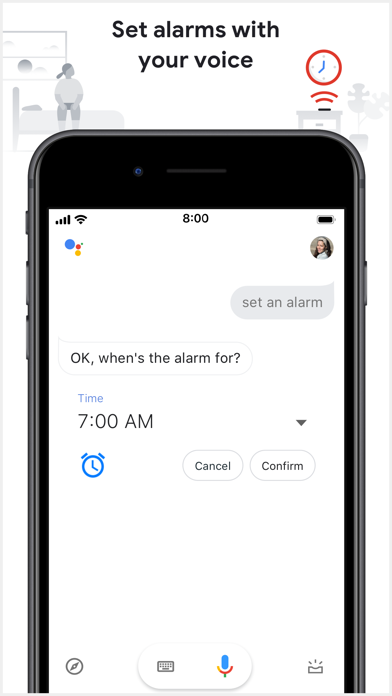
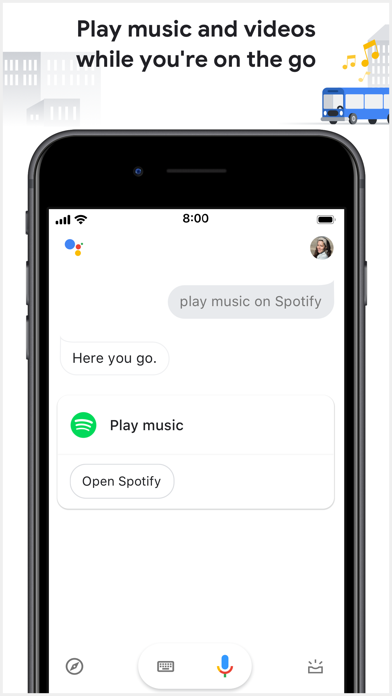
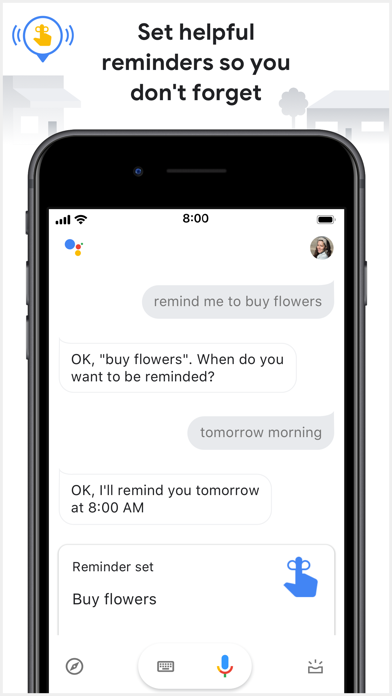
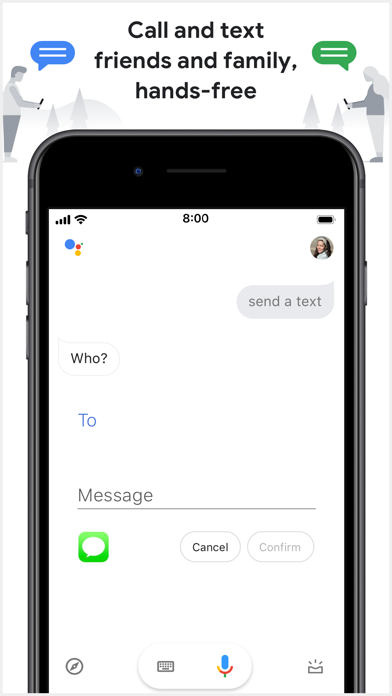
Released in 2017 and still actively updated as recently as July 2025, Google Assistant bundles voice-driven texting, reminders, navigation, music playback, and weather lookups into one interface. A 4.73 rating across 67,000 reviews signals broad satisfaction, though iOS platform limits mean the experience is meaningfully different from its Android counterpart. At 255 MB, it is a substantial commitment for what is largely a cloud-connected request pipeline.
Strong at chained requests across Google services
The core strength here is natural language handling for chained, multi-step requests. Asking Assistant to navigate to a nearby coffee shop while simultaneously sending a text to a contact works without fumbling through separate apps. Reminders sync cleanly with your Google account, and Google Maps integration makes navigation requests noticeably faster than routing through Siri handoffs. One genuinely clever touch is that privacy controls are surfaced conversationally: you can delete your voice activity history with a spoken command rather than digging through nested settings menus. For anyone whose daily workflow runs through Google services, that depth of integration is the real selling point and it holds up well in practice.
Reliable performance hindered by network dependency
Response quality is generally strong, and the 4.73 store rating from a meaningful pool of 67,000 reviewers suggests consistent reliability rather than a honeymoon-period spike. Because most processing routes through Google's servers rather than happening on-device, performance depends heavily on network conditions. The 255 MB install size feels disproportionate given that reality, though it likely reflects bundled UI assets and offline voice recognition components. Version 1.9.148701, pushed in July 2025, indicates Google is actively maintaining the build rather than letting it stagnate. Qualitatively, the app feels snappy for common requests, though the mandatory manual launch on iOS adds friction that Android users never experience.
Free core service with unclear in-app purchases
Google Assistant is free with no paywalls blocking core functionality, which makes the value proposition straightforward for Google ecosystem users. The real cost is 255 MB of storage and the ongoing trade of voice activity data for the service. The app does list in-app purchase terms, though what those purchases cover is not clearly explained in available documentation, which is worth noting before assuming everything is permanently free. For users already paying for YouTube Premium or Google One, the Assistant experience may feel more integrated. Casual users who only need timers or weather checks will find the storage overhead hard to justify when Siri handles those tasks natively.
Data collection standard, deletion unusually accessible
Google Assistant collects voice and activity data to personalize responses, which is standard for cloud-dependent voice assistants but worth understanding before downloading. The App Store privacy nutrition label for this app is the authoritative source for exactly which data types are linked to your identity versus used anonymously, and we recommend reviewing it directly before installing. On the positive side, the app makes it unusually easy to manage your data: voice history deletion is accessible via a spoken command, and Google's My Activity dashboard provides a broader audit trail. The 17-plus content rating reflects that the app can surface general web content, not that the app itself contains mature material.
Minimal design limited by iOS app-launch friction
The interface is clean and minimal, centering the microphone button as the primary interaction point with a conversational transcript displayed below. Visual design follows Google's Material You language, which feels polished and consistent. For accessibility, the voice-first interaction model is inherently useful for users with motor impairments, and the large tap targets suit a range of needs. Dynamic Type support and VoiceOver compatibility are expected for any app targeting iOS at this level of distribution, though we have not independently verified every accessibility feature. The app does not feel cluttered, but the mandatory app-open step on iOS means it is never as frictionless as a true system assistant.
Actively maintained but Android-prioritized development
The July 2025 update to version 1.9.148701 confirms active maintenance, and the original 2017 release date means the app has been refined across eight years of iOS updates. Google's scale means critical bugs are typically addressed promptly, and the 67,000-review base provides a meaningful feedback signal for the development team. That said, iOS-specific feature parity with Android has not meaningfully improved over the years, suggesting Google prioritizes Android development and treats the iOS build as a companion experience rather than a flagship one. Users should expect steady stability updates but not transformative new iOS-specific capabilities in the near term.
Pros
- Handles texting, navigation, reminders, and music playback through a single voice interface
- Deep Google Maps integration makes navigation requests faster and more accurate than Siri handoffs
- Voice-accessible privacy controls let users delete activity history without navigating nested settings
- Free with no paywalls on core features and actively updated as recently as July 2025
Cons
- No system-level access on iOS means every interaction requires manually opening the app first
- At 255 MB the install footprint is large relative to how much processing actually happens on-device
- In-app purchase terms are listed but not clearly explained, leaving cost transparency incomplete
Related guides
Similar Tools apps


apptidal is independent and ad-supported. We earn no commission on installs and no company can pay for a better score. How we stay independent.