
Tools · iOS
Microsoft OneNote
by Microsoft Corporation

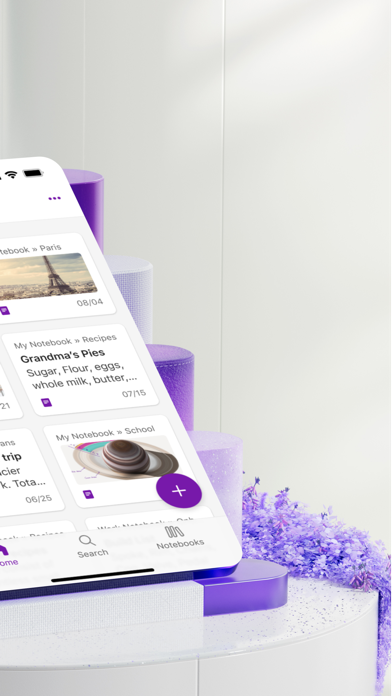
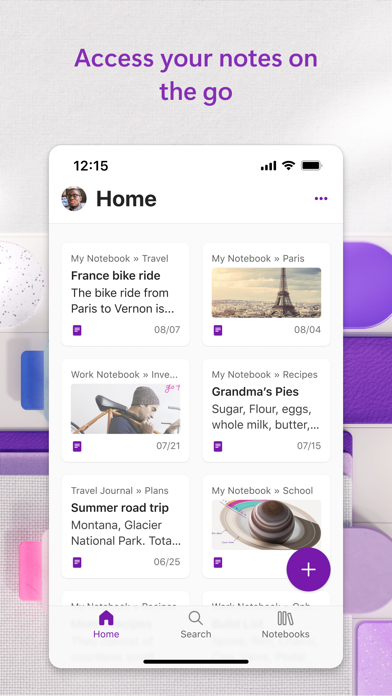

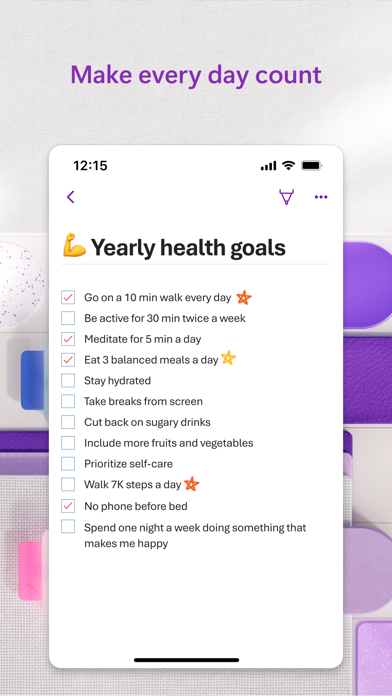
Released in 2011 and continuously refined ever since, OneNote organizes content into notebooks, sections, and pages, syncing reliably across every device you own. The free iOS app supports digital ink, voice capture with transcription, and Copilot-powered AI summarization. A July 2026 update confirms active development. With over 1.1 million ratings averaging 4.71, the user base is both enormous and broadly satisfied, making this one of the most battle-tested note-taking apps available.
Mature hierarchy scales from personal to complex
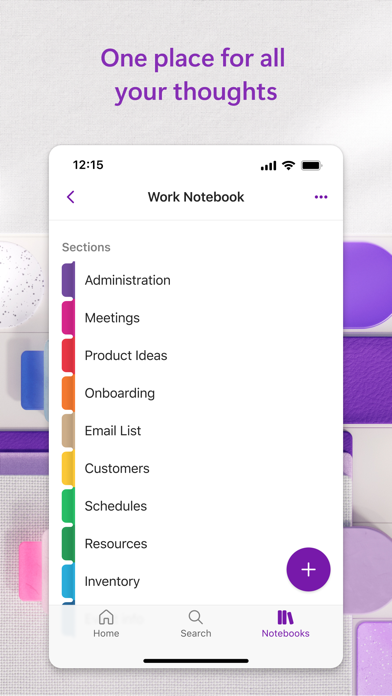
OneNote structures your notes into a three-tier hierarchy: notebooks hold sections, and sections hold pages. That model scales from a single personal journal up to a sprawling research project without breaking down. Recent versions layer Copilot AI on top, letting you feed meeting or class notes to the assistant and receive a concise summary or even a spoken audio overview generated from your own content. These additions push the app well beyond passive capture and toward something resembling an active work assistant. The core feature set, freeform page layout, digital ink, embedded files, and cross-platform sync, has been refined over 15 years and shows that maturity in its reliability.
Heavy install with solid stability at scale
At 386 MB, OneNote is among the heavier installs in the productivity category, and first-launch sync on a large notebook collection can take noticeable time on slower connections. That said, the app's version cadence, updated as recently as July 2026 on a build numbered 16.111.5, suggests Microsoft is actively addressing performance alongside features. The 1.1 million ratings at 4.71 stars represent one of the largest rating pools in the Tools category on the App Store, which is a strong qualitative signal that day-to-day stability is solid for the vast majority of users. Digital ink responsiveness on modern iPads is smooth, and voice capture saves audio alongside a text transcript without requiring manual intervention.
Free core features require subscription for AI
The app itself is free to download, and basic note-taking, syncing, and even some Copilot previews are accessible without spending anything. The honest caveat is that full Copilot functionality, including unlimited AI summarization and audio overviews, almost certainly requires an active Microsoft 365 Personal or Family subscription, which runs roughly ten to one hundred dollars per year depending on the plan. For users already paying for Microsoft 365 for Word, Excel, or Outlook, OneNote is essentially a free bonus of considerable value. For anyone outside that ecosystem, the AI headline features may feel more like a demo than a complete tool, and lighter free alternatives such as Apple Notes deserve a direct comparison.
Cloud storage demands privacy policy review
Because OneNote syncs all content to Microsoft's cloud infrastructure, your notes, including any voice recordings and ink sketches, are stored on Microsoft servers subject to Microsoft's privacy policy and regional data-residency rules. The App Store privacy nutrition label for this app is the authoritative source for exactly which data types are collected and whether they are linked to your identity, and we strongly recommend reviewing it before signing in. Permissions to expect include microphone access for voice capture and potentially camera access for document scanning. Users in regulated industries or those handling sensitive personal information should review Microsoft's compliance documentation, as enterprise-grade controls are available primarily through paid Microsoft 365 plans.
Native design suits power users over newcomers
The interface follows Apple's Human Interface Guidelines closely enough to feel native on iOS, with familiar navigation gestures and a clean toolbar. The notebook-section-page hierarchy is visually clear, though it can feel over-engineered for someone who simply wants a quick capture pad. Apple's VoiceOver screen reader should function with standard iOS controls throughout the app, and Microsoft has a documented accessibility commitment across its Office suite. Text sizing respects iOS Dynamic Type settings, which benefits users with low vision. The freeform canvas model, where content can be placed anywhere on a page, is a deliberate design choice that suits power users but may disorient newcomers expecting a linear document editor.
Fourteen years of consistent active development
Few productivity apps on the App Store can match OneNote's maintenance record. Originally released in January 2011, it has received consistent updates across more than 14 years, with the most recent update logged in July 2026. Version 16.111.5 indicates a high-frequency release cadence typical of Microsoft's Office suite. The Copilot integration, a genuinely modern AI feature, demonstrates that Microsoft is investing in the product rather than simply keeping the lights on. For users who depend on a notes app as a daily driver, that long-term commitment from a major software company is a meaningful reliability signal that smaller independent apps simply cannot match.
Pros
- Copilot summarization and audio overviews add substantive AI utility beyond basic note capture
- Cross-device sync has been refined over 15 years and is backed by Microsoft's cloud infrastructure
- Digital ink combined with voice transcription and automatic text transcript covers a wide range of input styles
- Consistent, high-frequency update cadence confirmed through July 2026 signals genuine long-term support
Cons
- 386 MB install size is substantially larger than most competing note-taking apps on iOS
- Full Copilot AI features almost certainly require a paid Microsoft 365 subscription to unlock completely
- The three-tier notebook hierarchy and freeform canvas can feel over-engineered for simple or casual note-taking needs
Related guides
Similar Tools apps


apptidal is independent and ad-supported. We earn no commission on installs and no company can pay for a better score. How we stay independent.