
Tools · iOS
Power Apps
by Microsoft Corporation
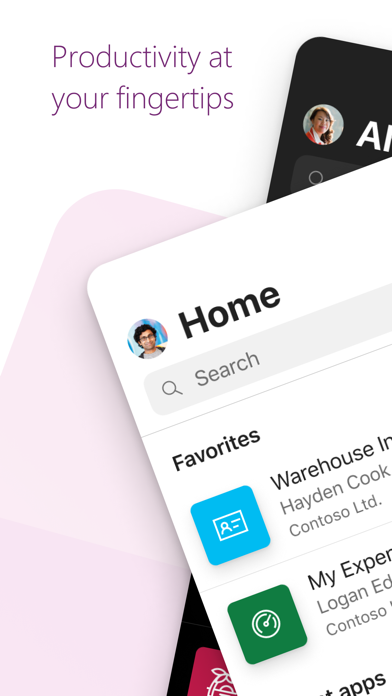

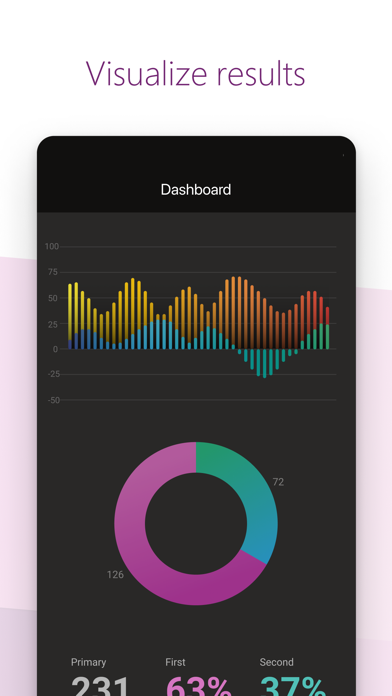
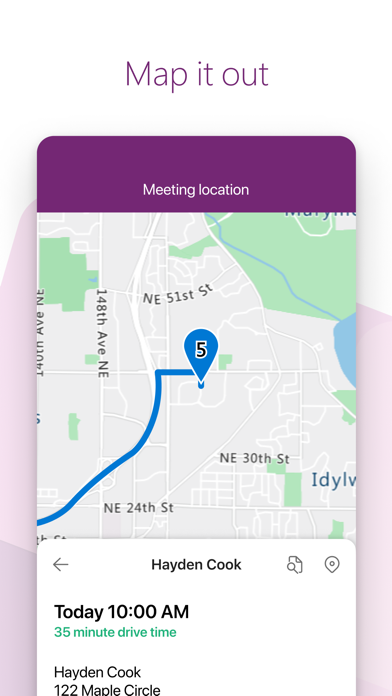
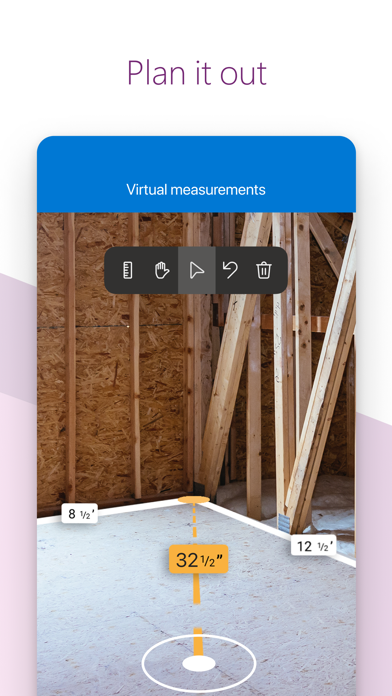
Power Apps is Microsoft's mobile runtime shell for canvas and model-driven apps built on Power Platform. It does not create apps; it runs them. For employees at companies invested in Microsoft 365, it can surface genuinely useful custom tools like barcode scanners, expense forms, or equipment trackers. For anyone outside that organizational context, the app offers almost nothing of independent value.
A runtime client, not a builder
To be direct about it: Power Apps on iOS does not let you build anything. It lets you run apps your organization has already created and deployed. If your workplace has published a barcode-scanning inventory tool, an NFC equipment tracker, or a field expense submission form, this client delivers those experiences cleanly on a phone. QR code reading, photo uploads, and structured data entry all work without obvious friction. The ceiling is set entirely by whoever designed the underlying app on the back end, which means the client itself can look either impressive or underwhelming depending on factors completely outside its own code.
Speed depends on app design quality
Performance is genuinely hard to evaluate in isolation because the client is only as fast as the Power App it is loading. A well-optimized canvas app with lean data connectors will feel snappy; a poorly structured model-driven app pulling from multiple Dataverse tables can feel sluggish. What the client itself contributes is a stable, responsive container that handles device hardware like cameras and NFC readers reliably. At 132 MB, the install footprint is on the heavier side for what is essentially a launcher, and first-load times for complex apps can test patience on slower connections. The strong 4.85 rating across roughly 23,000 reviews suggests the core runtime is stable for the audience actually using it.
Free app, expensive platform requirement
The app itself is free to download, but that figure is somewhat misleading as a value signal. The real cost sits upstream, in Microsoft 365 or Power Platform licensing, which organizations pay at the tenant level. For companies already carrying those licenses, the mobile client adds no incremental expense and delivers genuine utility to field staff. For an individual user without an organizational account, the app is functionally worthless regardless of its zero price tag. There is no trial mode, no demo environment, and no personal-use tier to explore.
Permissions vary by deployed application
Because Power Apps is a runtime container, its actual permission footprint depends heavily on what each deployed app requests. A barcode-scanning app will ask for camera access; an NFC tracker will request near-field hardware; a location-aware field tool will request location data. The Microsoft App Store privacy label is the authoritative source for what the client itself collects at the platform level, and reviewers should consult that label directly rather than rely on any summary here. What is worth noting is that all data flows through Microsoft's cloud infrastructure, so organizations with strict data-residency requirements should verify their Power Platform environment settings independently.
Design consistency limited by maker skill
The client shell itself follows iOS design conventions reasonably well, with a clean app launcher grid and straightforward navigation. Because the rendered interface is generated by each individual Power App, visual consistency and accessibility quality vary widely across deployments. Microsoft does publish accessibility guidelines for Power Apps makers, and model-driven apps built on standard Dataverse components tend to inherit better baseline accessibility than fully custom canvas apps. Dynamic Type support and VoiceOver compatibility at the client level appear functional, but the experience inside any given app depends on how carefully its maker followed accessibility best practices.
Consistently updated as core platform tool
Maintenance is one of the clearest strengths here. The version history shows consistent, frequent updates, with the most recent release dated July 2026, well within a month of this review. Microsoft treats Power Apps as a core pillar of its commercial cloud strategy, which means the mobile client benefits from the same engineering investment that drives the broader Power Platform roadmap. Bug fixes, new connector support, and iOS compatibility updates arrive on a regular cadence. Organizations evaluating long-term deployment can reasonably expect continued support, given how central Power Platform is to Microsoft's enterprise business.
Pros
- Handles real field hardware tasks including barcode scanning, NFC reading, and photo capture reliably
- Actively maintained with frequent updates, including a July 2026 release showing sustained engineering investment
- Free to install for any organization already licensed on Microsoft Power Platform, adding no incremental cost
- Strong 4.85 rating across roughly 23,000 reviews signals genuine stability for its intended enterprise audience
Cons
- Requires a work or school Microsoft account with no guest, demo, or personal-use access whatsoever
- App quality and performance depend entirely on how well internal apps were designed, a variable outside the client's control
- At 132 MB, the install footprint is heavy for what is essentially a container launcher with no standalone functionality
Related guides
Similar Tools apps


apptidal is independent and ad-supported. We earn no commission on installs and no company can pay for a better score. How we stay independent.