
Tools · iOS
Move On - Productivity Timer
by Ivan Orlov
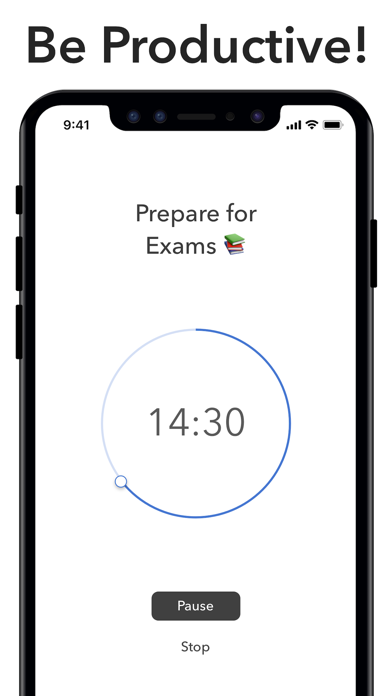
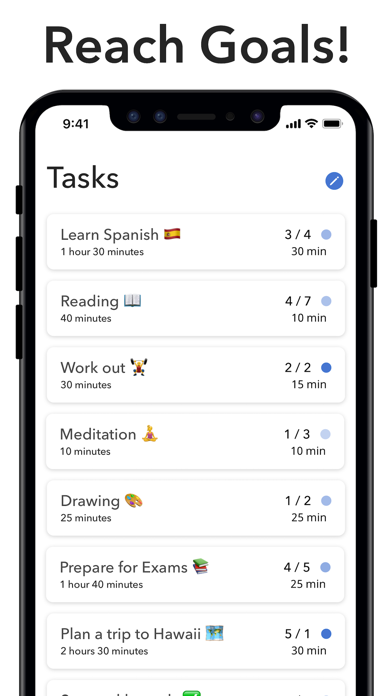
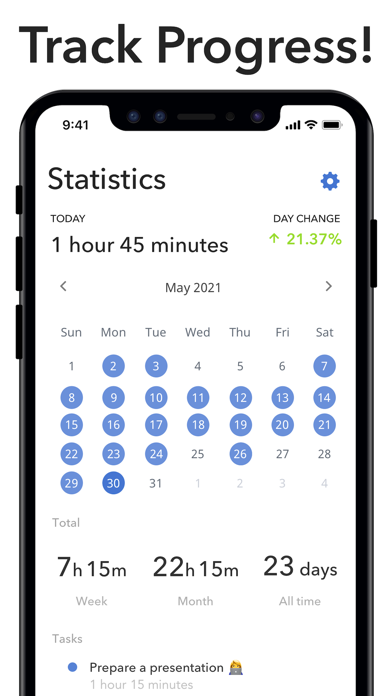
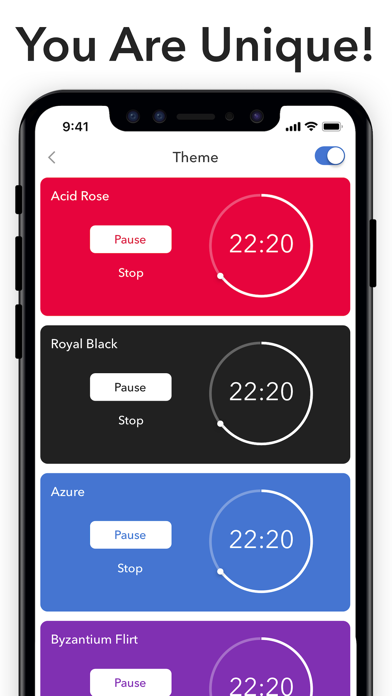
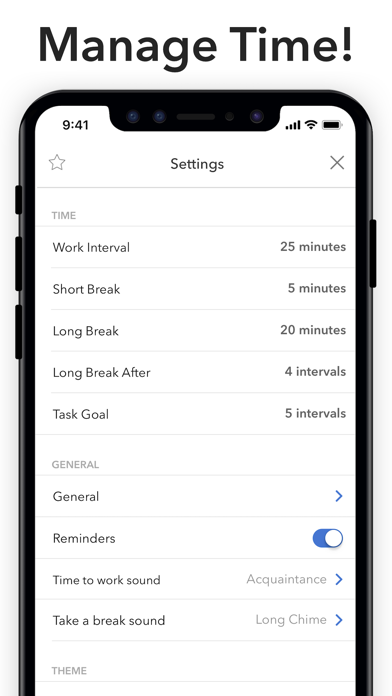
Move On is a lightweight Pomodoro-style timer from solo developer Ivan Orlov, weighing just 7 MB and built around the idea that fewer taps mean more actual work done. Swipe gestures handle interval adjustments, cross-device sync keeps tasks consistent, and the app is free to download. At version 4.1.2, last updated in December 2021, it remains functional but quietly aging against a crowded, actively maintained field.
Swipe gestures work smoothly, but features plateau quickly
The core mechanic is a Pomodoro-style countdown timer controlled primarily through swipe gestures rather than settings menus or number pickers. Adjusting a work block or extending a break mid-session takes a single swipe, which feels genuinely considered for focus-sensitive workflows. Cross-device sync means tasks follow you between devices without manual re-entry. The minimalist layout strips away anything unrelated to the current countdown, reinforcing the app's central promise. For straightforward interval work, the execution is solid. Where it falls short is depth: there are no analytics, no streak tracking, and no integrations with calendars or task managers, so users who need more than a clean timer will hit a ceiling quickly.
Compact install size masks concerns about iOS compatibility
A 7 MB install size is genuinely compact even by timer-app standards, suggesting a lean codebase unlikely to strain storage or memory. Qualitatively, apps this small tend to launch quickly and run without noticeable background overhead. The 4.64 rating across 186 reviews points to a satisfied core audience, though the modest review volume means a handful of bad experiences could shift that figure noticeably. The more relevant performance concern is platform compatibility: with no updates since December 2021, there is a real question about how gracefully the app handles current iOS versions and future releases. Nothing in the public record suggests it is broken, but that assurance weakens with every passing iOS cycle.
Free tier invites experimentation, not long-term commitment
The free entry point removes all financial risk from trying Move On, which is genuinely appealing. The app does list in-app purchases, but the scope of what sits behind a potential paywall is not transparent from the outside before you download. For casual or occasional use, the free tier appears sufficient based on the app's positioning. Compared to actively maintained competitors that are also free or similarly priced, however, the value calculus shifts: paying nothing for a stagnant app is still a different proposition than paying nothing for one receiving regular feature updates. Treat the zero price as an invitation to experiment rather than a reason to commit.
Data practices require direct App Store verification
We cannot verify specific data-collection practices without access to the App Store privacy nutrition label, which is the authoritative source for what Move On collects, links to your identity, and shares with third parties. We recommend reviewing that label directly on the App Store listing before installing. As a solo-developer timer app with cross-device sync, it almost certainly requires some form of account or identifier to function across devices, which implies some data transmission. The 4+ content rating confirms no mature content concerns. Notification permissions for timer alerts are expected and standard for this category.
Minimalist design aids focus but limits accessibility options
The minimalist visual philosophy is the app's clearest design strength: a clean countdown, minimal chrome, and swipe-based controls that reduce the cognitive overhead of managing a timer. That restraint also benefits users who find cluttered interfaces distracting during focus sessions. On accessibility, the swipe-centric interaction model is worth noting: users who rely on switch control or have motor impairments that make swipe gestures difficult may find the interface less accommodating than a tap-based alternative. Dynamic Type support and VoiceOver compatibility are not confirmed in public documentation, so users with visual impairments should verify those features before relying on the app as a daily tool.
No updates since December 2021 signal stagnation
This is the app's most significant weakness. Version 4.1.2 arrived in December 2021, and no update has followed in the years since. For a solo developer, extended quiet periods are understandable, but the absence of any public roadmap, community forum, or developer communication makes it impossible to know whether Move On is in quiet maintenance mode or effectively abandoned. A rating count of 186 across more than seven years on the App Store also indicates limited ongoing user growth. The app still functions, but building a daily productivity habit around a tool with uncertain future support is a genuine risk worth weighing against the many actively developed alternatives in this category.
Pros
- Swipe gestures for interval adjustments are faster and less disruptive than traditional number pickers
- A 7 MB footprint is genuinely compact, causing no storage or memory concerns
- Cross-device sync keeps tasks accessible without manual re-entry across devices
- Minimalist interface removes visual distractions that undermine focus during work sessions
Cons
- No updates since December 2021 raises serious questions about long-term iOS compatibility and support
- A rating count of only 186 limits confidence in the reliability of the 4.64 average score
- In-app purchase scope is opaque before downloading, making the true free-tier ceiling unclear
Related guides
Similar Tools apps


apptidal is independent and ad-supported. We earn no commission on installs and no company can pay for a better score. How we stay independent.