
Tools · iOS
Productive - Habit Tracker
by Mosaic S.r.l.

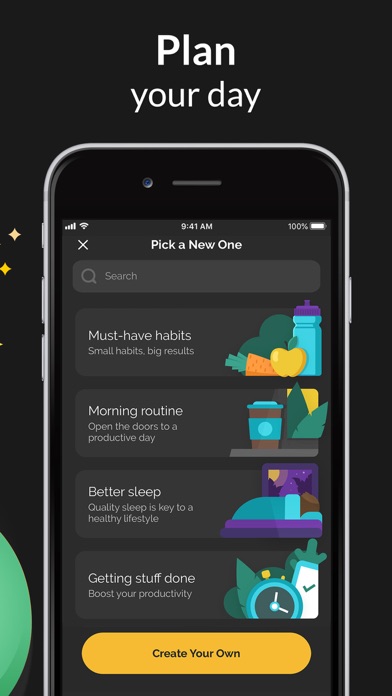
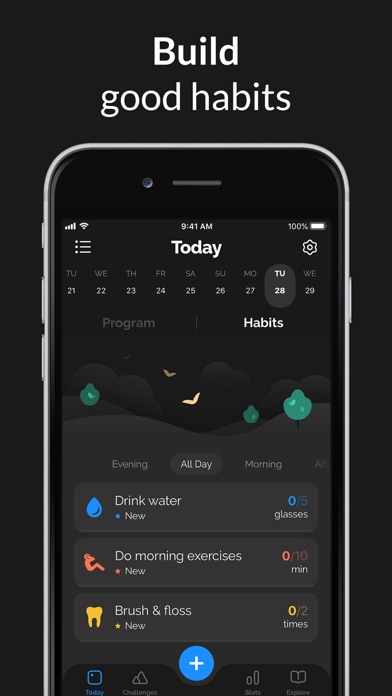
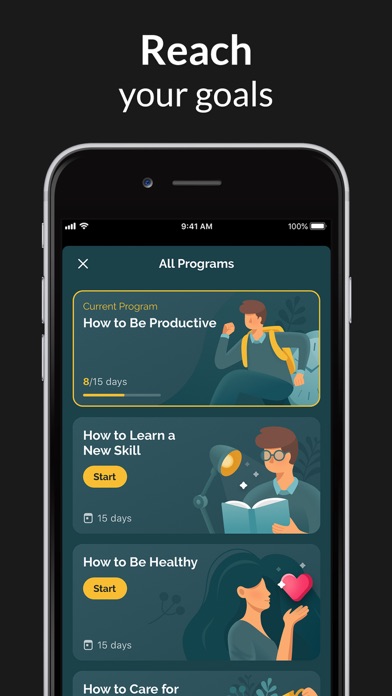
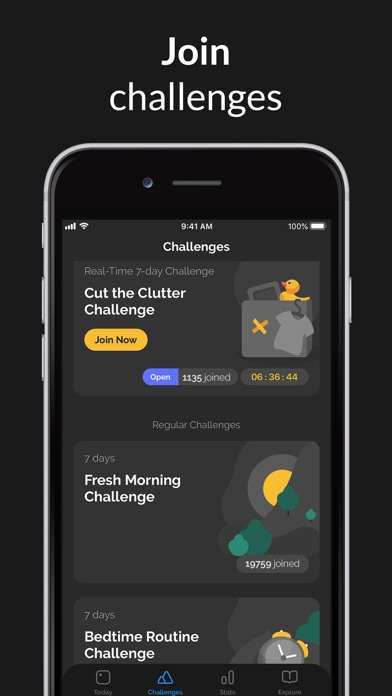
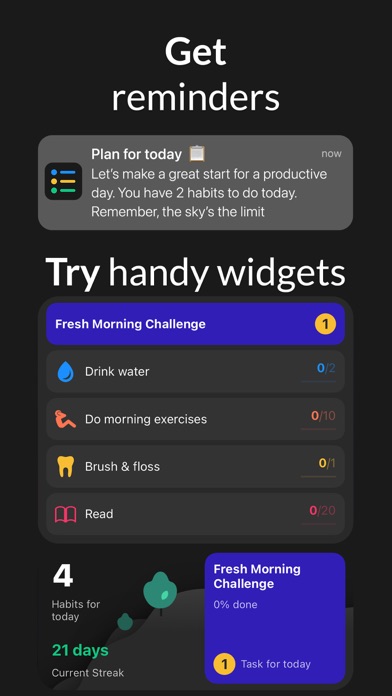
Released in June 2015 and still receiving updates as recently as March 2026, Productive by Mosaic S.r.l. carries real longevity in a crowded category. Its 4.6 store score across 91,000 ratings signals broad, sustained satisfaction. Beyond simple checkboxes, the app layers in guided programs, global challenges, per-habit statistics, and contextual notes, forming a toolkit aimed at people who want genuine structure rather than a daily reminder ping.
Habit management and customization stand out
The habit management layer is the clearest strength here. Users can create, pause, or stop habits without losing historical data, a detail many competitors overlook entirely. Notes attached directly to individual habit entries let you log context alongside completion, nudging a binary check toward something closer to a micro-journal. Color and icon customization is genuinely granular, so the dashboard avoids looking like a generic to-do list. Guided Programs deliver daily tips and reflection prompts tied to a chosen goal, giving new users a structured on-ramp rather than a blank slate. The global Challenges feature introduces a competitive social layer, and built-in articles add editorial depth, though that content functions more as supplementary reading than a daily-use feature.
330 MB install size demands storage space
A 330 MB install is notably heavy for a habit tracker, a category where many capable competitors land well under 100 MB. That footprint suggests substantial on-device assets, likely covering offline content, animations, and program media, but it does demand meaningful storage space upfront. On the positive side, the app's 4.6 rating across a large and diverse user base suggests day-to-day stability is not a widespread complaint. Version 3.26.39, updated in March 2026, reflects active engineering attention rather than a stagnant codebase. Qualitatively, apps in this category that maintain high ratings at high volume tend to handle core interactions, logging, streaks, and notifications, reliably.
Free tier limits access to premium features
The free entry point is genuinely accessible, and casual users can explore the core habit loop without paying anything upfront. However, the app's structure strongly implies that sustained, power-user features sit behind an in-app purchase or subscription. That is a common model in this category, and Productive's depth arguably justifies a premium ask more than lighter competitors do. Users who want programs, detailed statistics, and unlimited habits will likely encounter a paywall before long. For anyone committed to building lasting habits, the investment is reasonable. Casual experimenters or those wanting only a minimal daily checklist may find the free tier limiting and the paid tier unnecessary.
Privacy details require App Store label review
The app carries a 4+ content rating, signaling no objectionable content concerns. For specific privacy details, including what data is collected, whether it is linked to your identity, and what third parties receive, the App Store privacy nutrition label on Productive's product page is the authoritative source to consult before downloading. Habit tracking apps can collect behavioral data such as completion timestamps and usage patterns, so reviewing those disclosures is worthwhile. We have not independently audited network behavior, and no privacy label findings are assumed here beyond what Apple publicly surfaces.
Polished design follows iOS conventions
Productive's visual design leans polished and structured, with per-habit color coding and icon selection giving the dashboard a personalized feel that generic trackers rarely achieve. Navigation follows familiar iOS conventions, which reduces the learning curve for new users. Regarding formal accessibility, the app's 4+ rating and mainstream iOS positioning suggest standard system accessibility features such as Dynamic Type and VoiceOver should be available, though we cannot verify screen-reader behavior or motor-accessibility specifics without hands-on testing. Users with accessibility requirements are encouraged to check Apple's accessibility notes on the App Store listing or contact the developer directly.
Eleven years of updates signal active development
Few habit trackers can claim an unbroken development record stretching back to June 2015, and Productive is one of them. Version 3.26.39, pushed in March 2026, confirms that Mosaic S.r.l. is still shipping updates rather than coasting on a legacy install base. Over a decade of iteration has produced a noticeably deeper feature set than most newer entrants in the category. The 91,000-rating volume also means the developer has a large, vocal user base providing ongoing feedback, which tends to correlate with continued bug fixing and feature refinement. Long-term reliability is one of this app's most credible selling points.
Pros
- Pause or stop habits without erasing streaks or historical data
- Per-habit notes add meaningful context beyond a simple completion checkmark
- Guided Programs provide structured on-ramps for users who need more than a blank habit list
- Consistent updates since 2015 demonstrate genuine long-term developer commitment
Cons
- 330 MB install size is disproportionately large for a habit tracking app
- Key features for power users are likely gated behind an in-app subscription
- Global Challenges and built-in articles may feel like noise rather than value for minimalist users
Related guides
Similar Tools apps


apptidal is independent and ad-supported. We earn no commission on installs and no company can pay for a better score. How we stay independent.